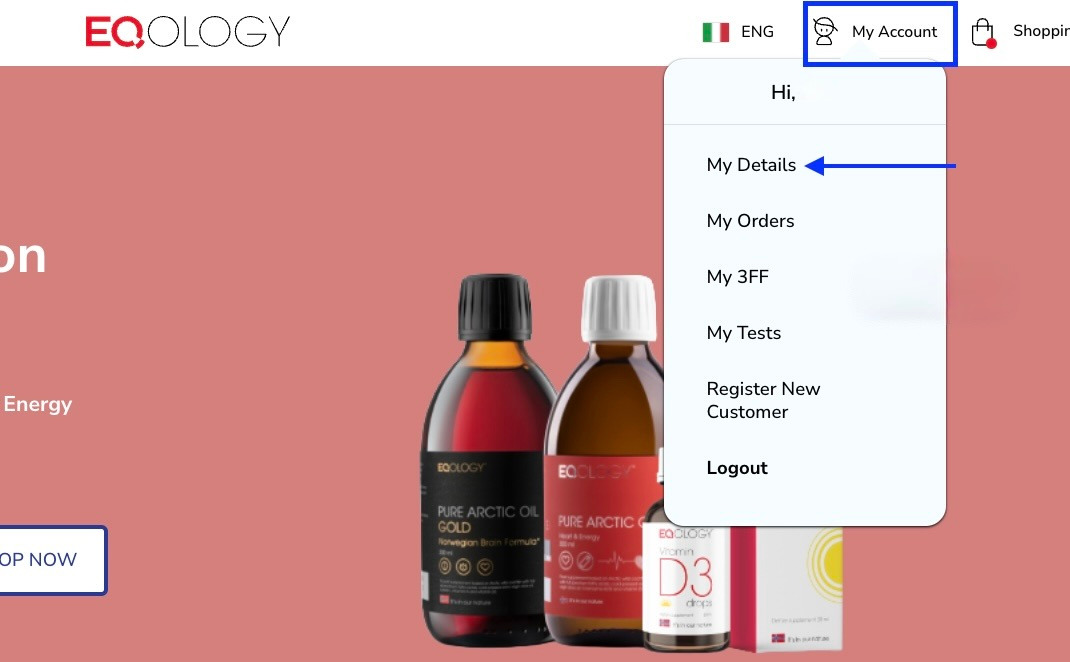
In order to change your password when you are logged in you need to click on -my account in the top right corner and then -my details.
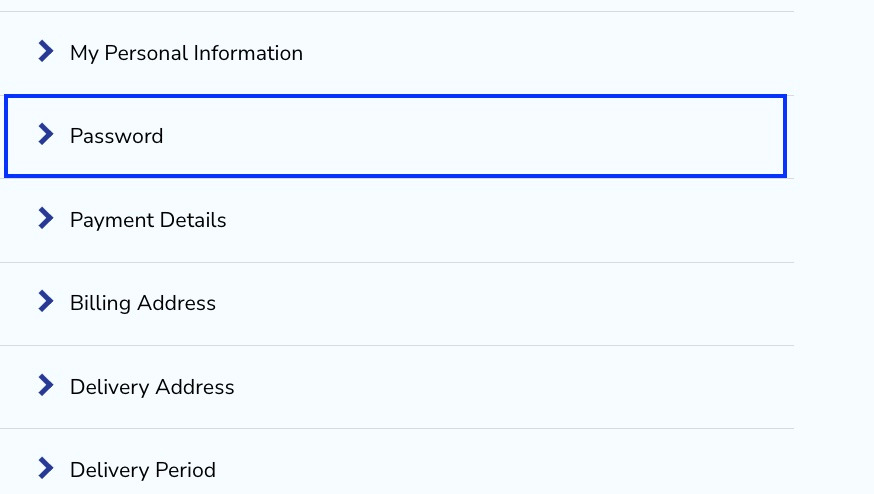
Then navigate to the password tab and click on it.
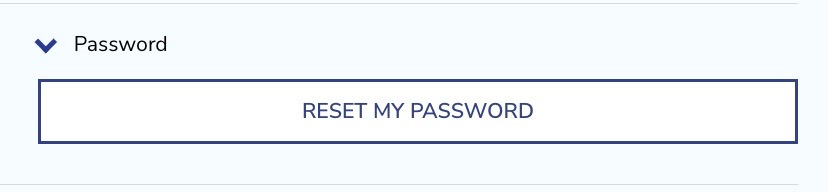
Here click on -reset password.
Then you get confirmation that a reset link will be sent to your e-mail address.

Check your e-mail, find the reset link and set up a new password.
Take note: the reset link is valid for 1 hour, after this time it will expire and you will have to repeat the process.
What to do when you forgot your password?
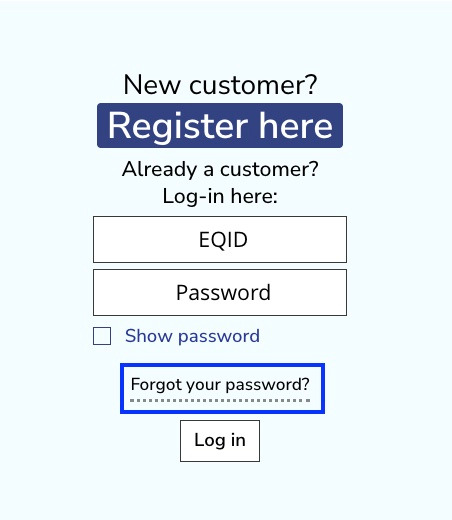
If you forgot your password and can’t log in, click on -forgot your password.
Then fill in your e-mail address and your username (very often it is your EQ ID number) and click on -reset my password.
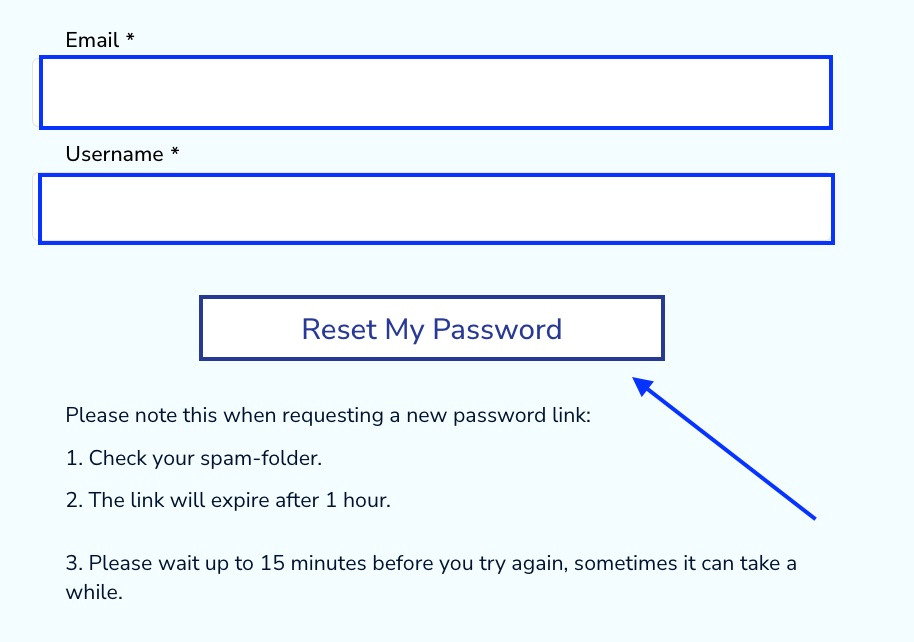
Take note: Check your spam-folder if you didn’t receive the link within 15 minutes, remember that the link is valid for 1 hour.
At the end you will receive confirmation on the top of the webpage.

Find the reset link and set up a new password.
If you encounter any difficulties contact our Support Team.
Was this article helpful?
That’s Great!
Thank you for your feedback
Sorry! We couldn't be helpful
Thank you for your feedback
Feedback sent
We appreciate your effort and will try to fix the article