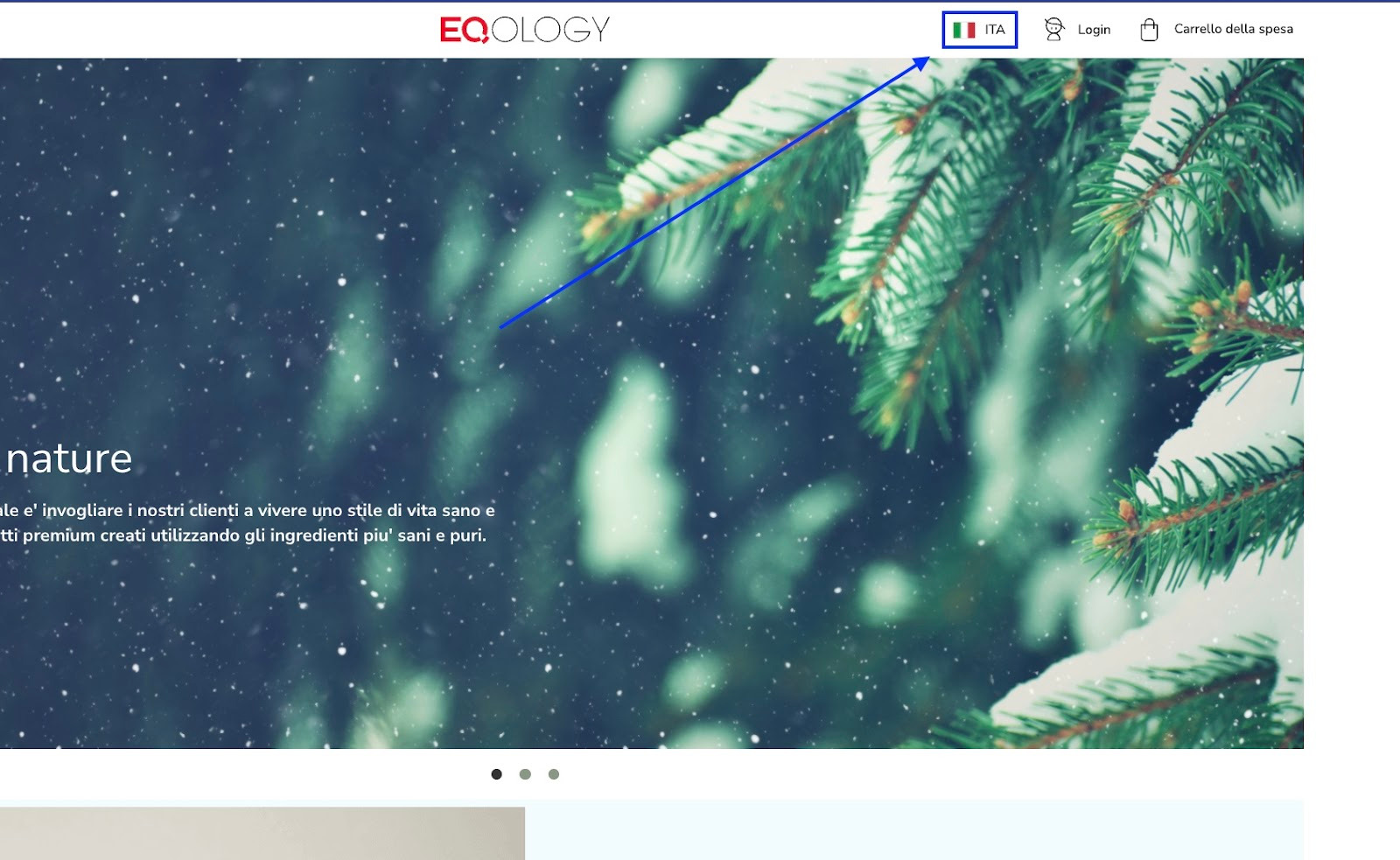
If you want to change the language on the website just click on the flag on the top right corner.
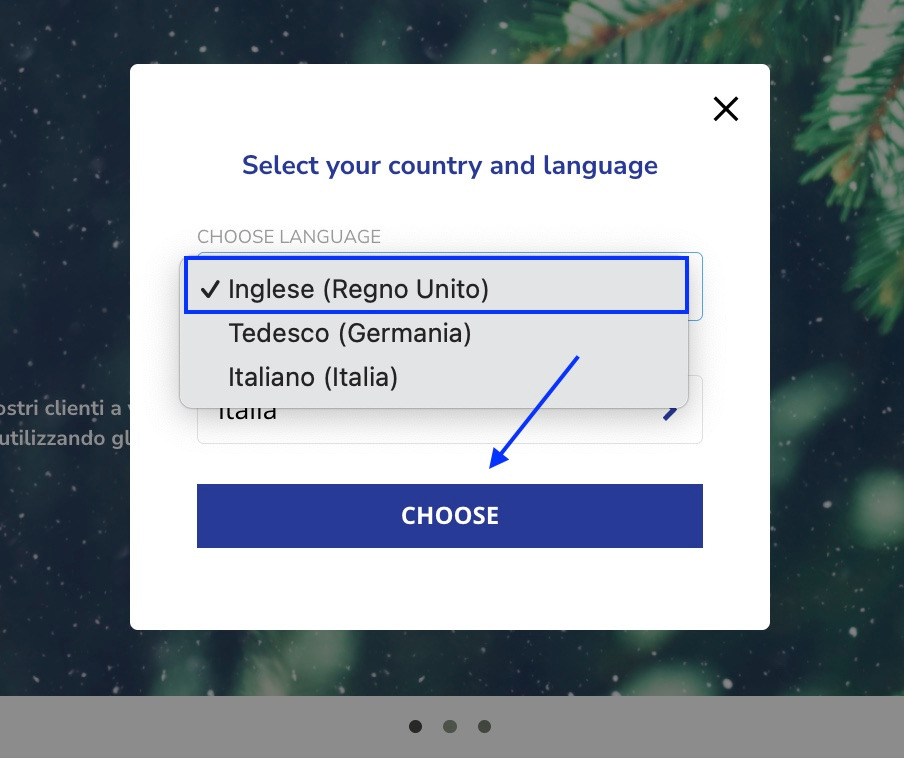
And then select a desired language and click on choose.
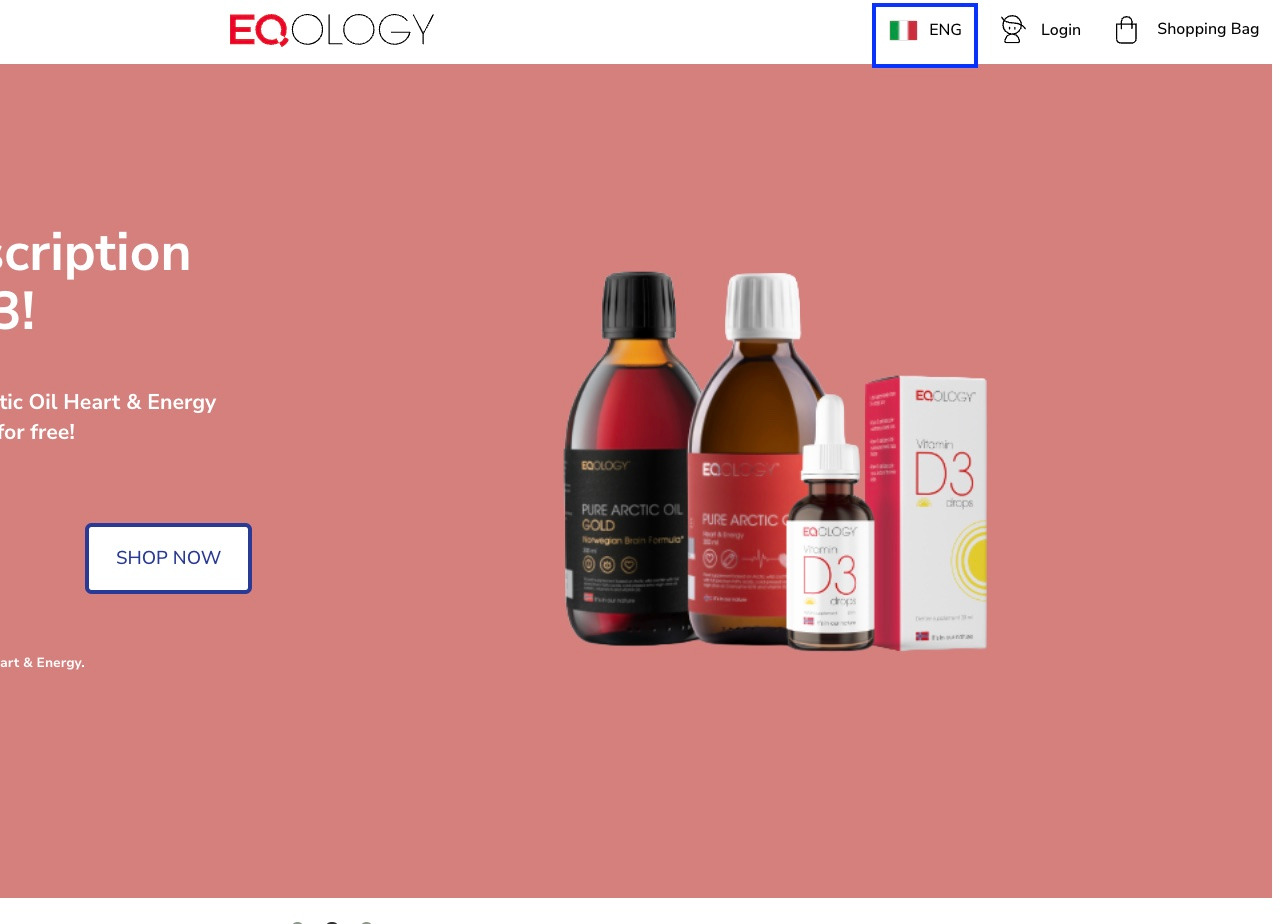
The website will be refreshed and the language will be adjusted to the chosen one.
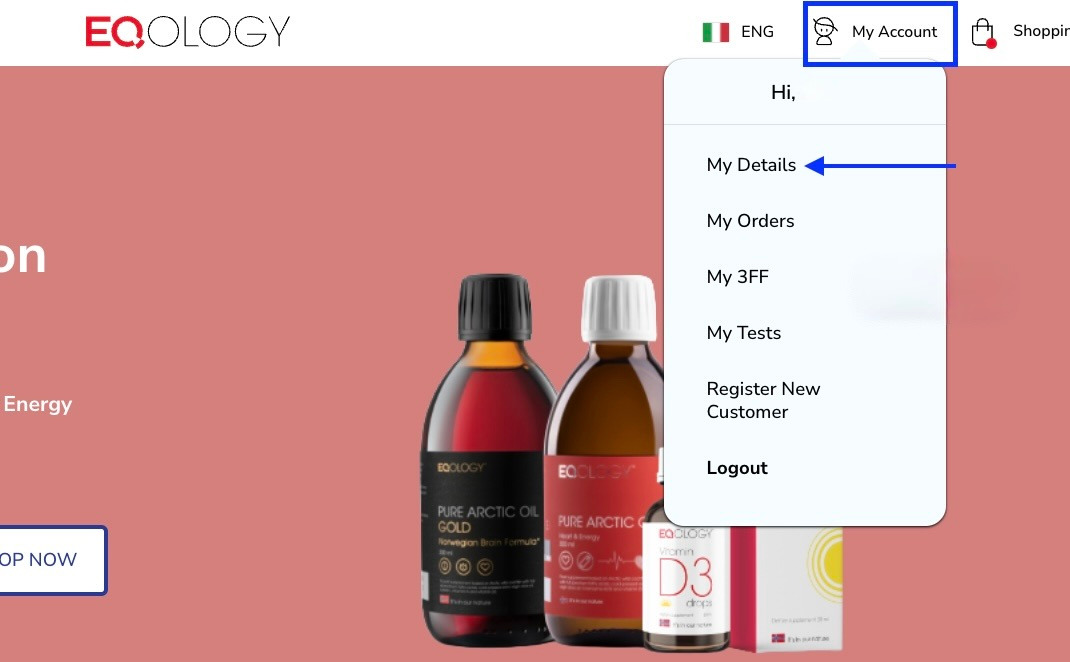
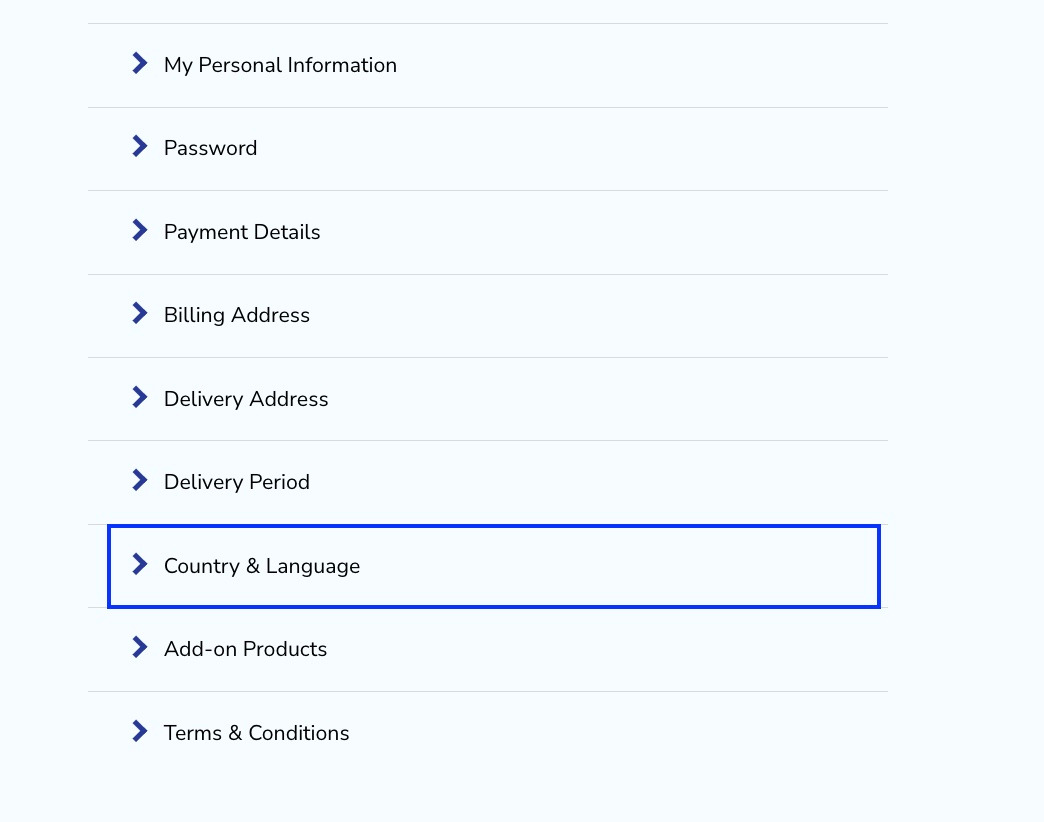
You can also change the language by clicking on -my account and -my details once you're logged in.
Then navigate to the -country&language tab and click on it.
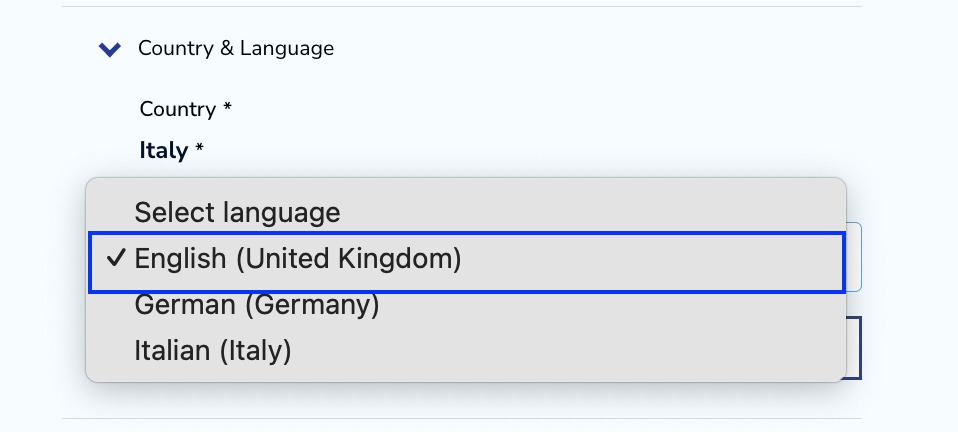
Then change the language as you wish.
And click on the save button.
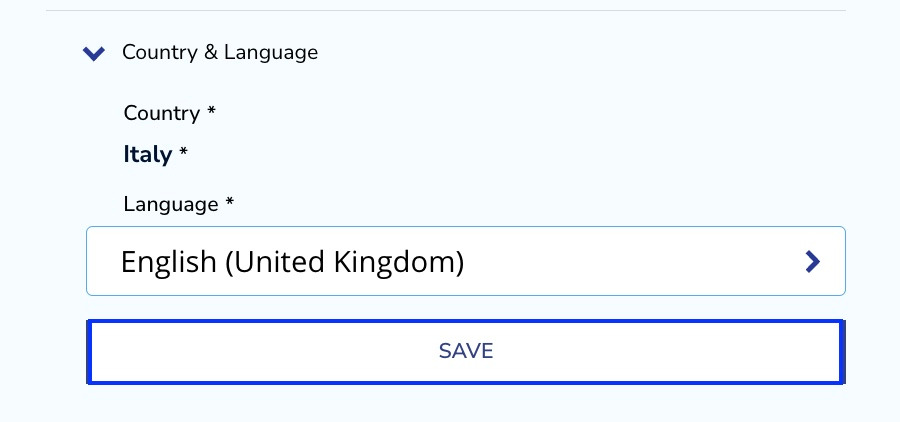
The website will be refreshed and the language will be changed.
Was this article helpful?
That’s Great!
Thank you for your feedback
Sorry! We couldn't be helpful
Thank you for your feedback
Feedback sent
We appreciate your effort and will try to fix the article