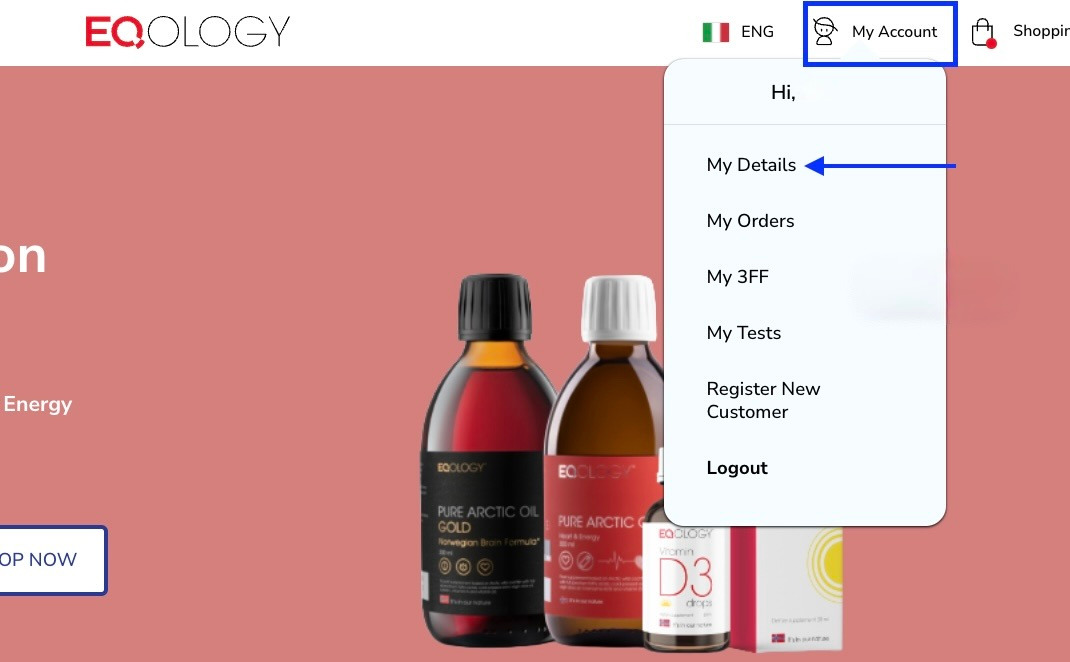
To change the delivery address you need to click on -my account in the top right corner and then -my details.
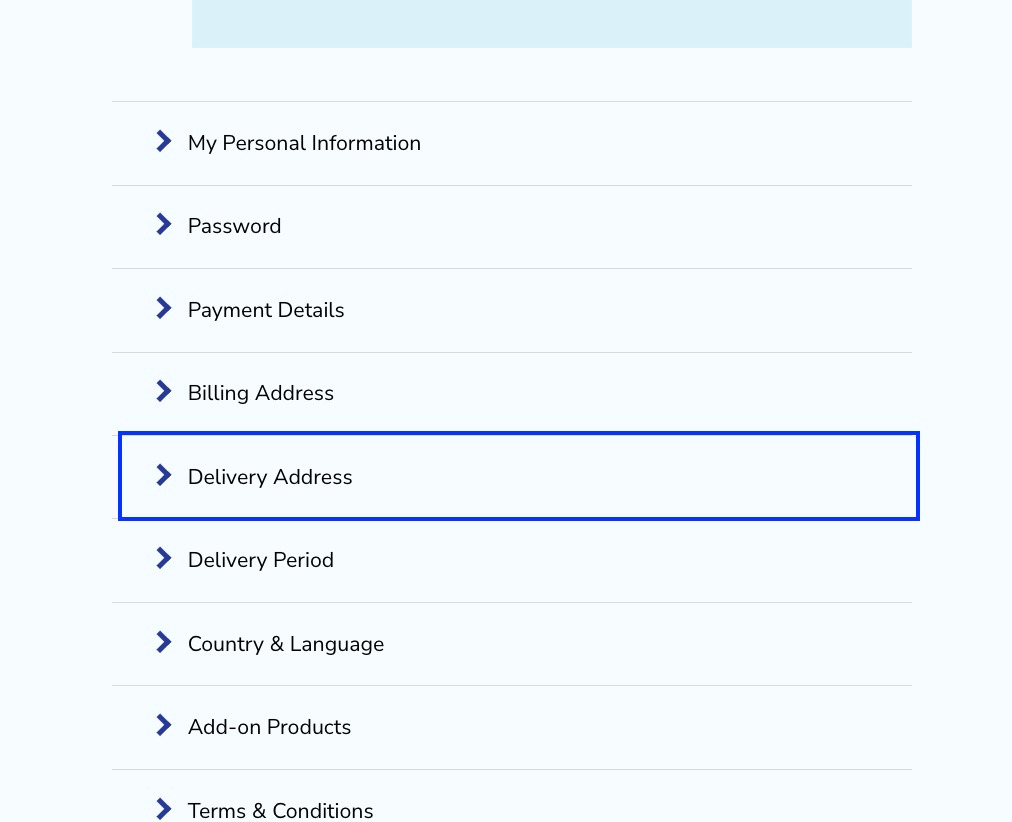
Scroll down and find a tab -delivery address and click on it.
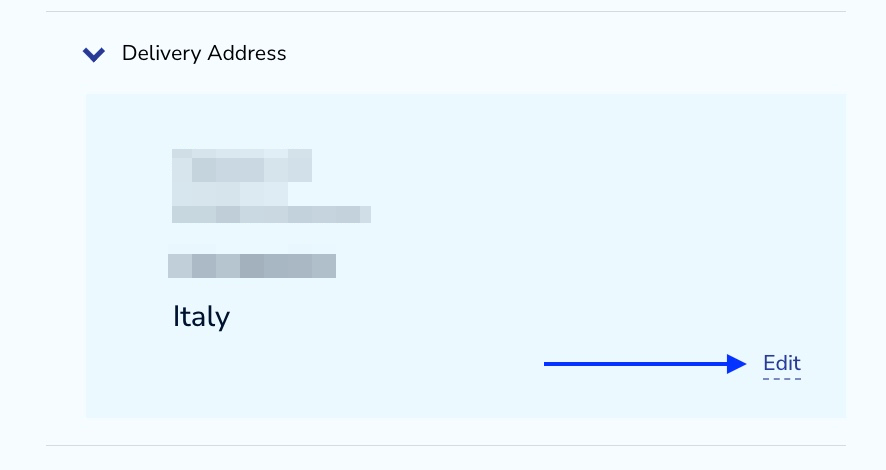
Then click on -edit.
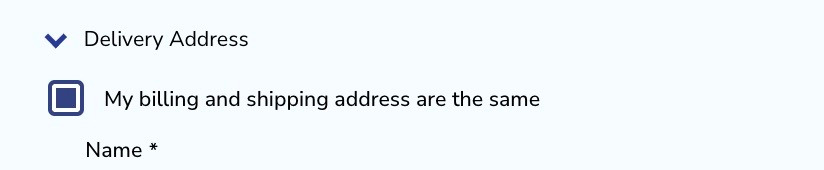
If your billing address is the same as your shipping address you can mark the first option.
Here you can find fields where you can change all the necessary information. Once you are ready click on the -save address button.
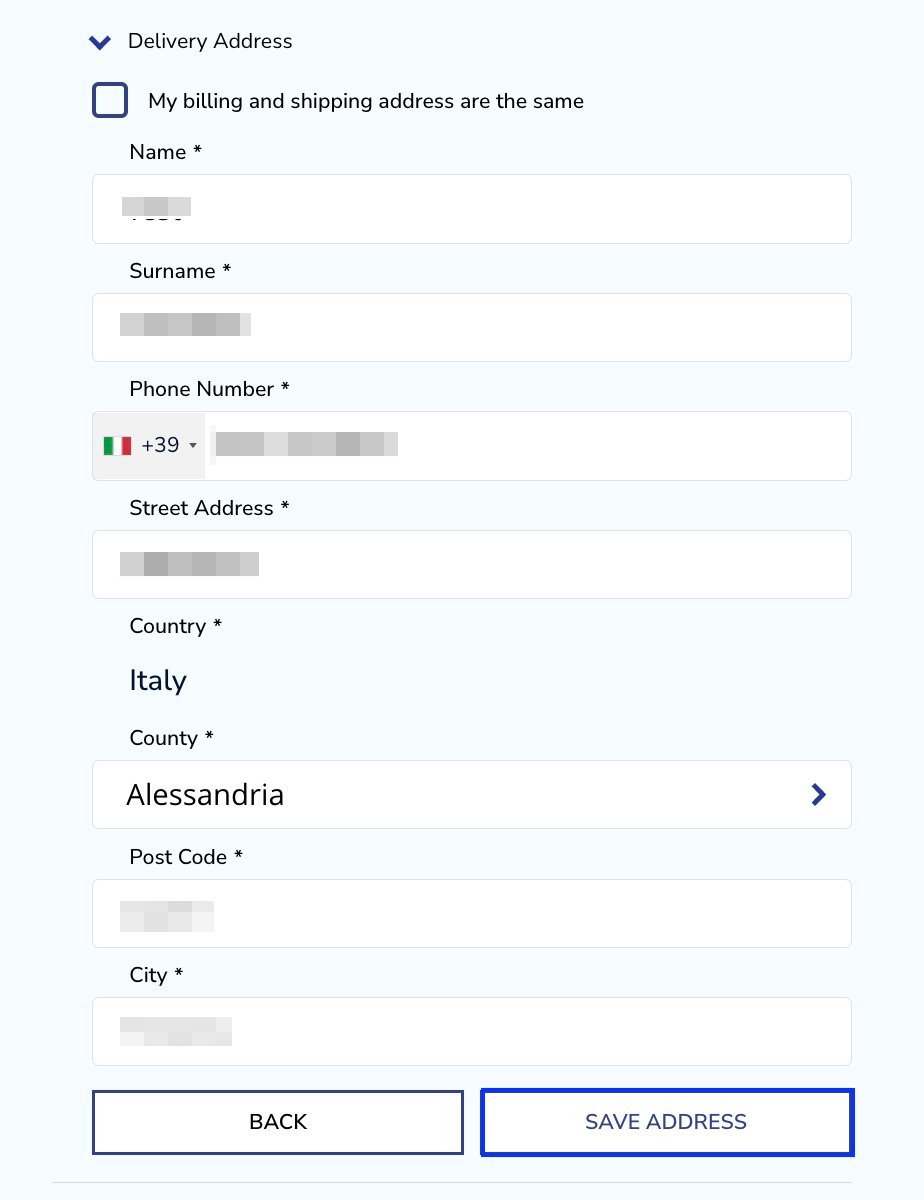
Once you change the address you will get a pop up notification at the top of the website with the confirmation.

Take note: the address change affects the following orders, the order/orders that have been processed but haven’t been paid yet will be sent to the old address. To correct it contact our Support Team. If the orders are already paid we will not have a possibility to change the delivery address of your parcel anymore.
Take note: if you wish to change the country where you get your orders delivered you can report such a request to our CS support team since you can only change the address within the same country yourself.
Was this article helpful?
That’s Great!
Thank you for your feedback
Sorry! We couldn't be helpful
Thank you for your feedback
Feedback sent
We appreciate your effort and will try to fix the article