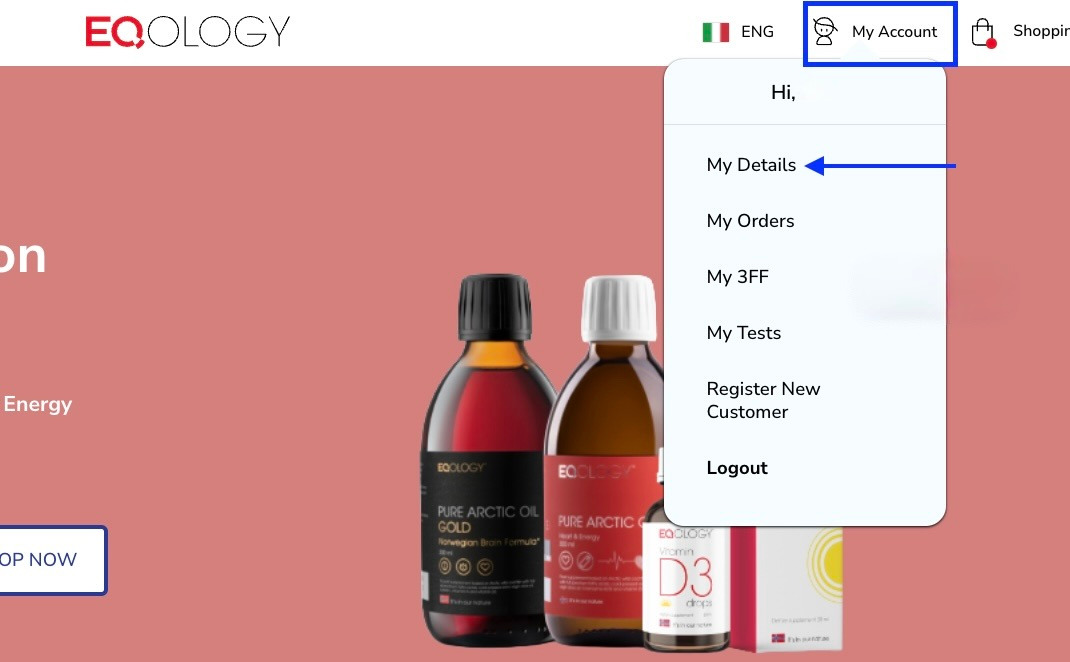
To change your e-mail address you need to click on -my account in the top right corner and then on -my details.
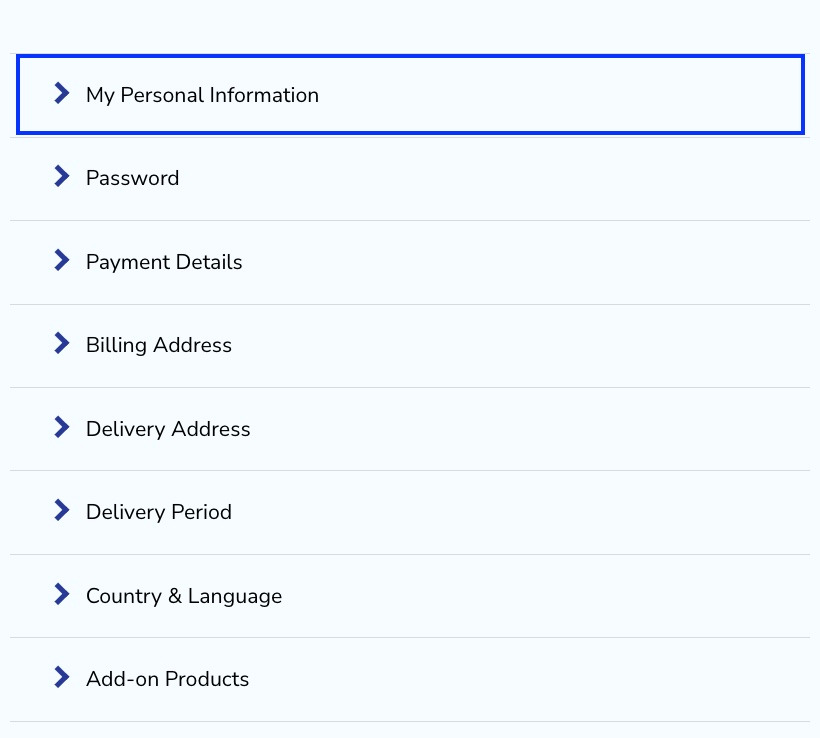
Find My personal information tab and click on that.
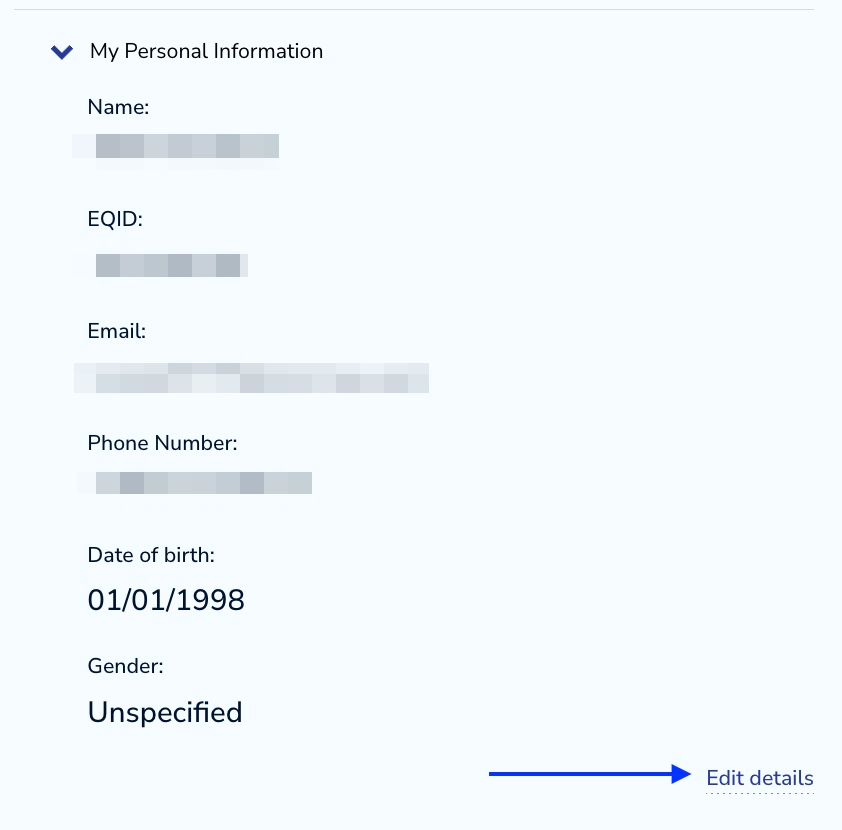
Then click on edit details on the right.
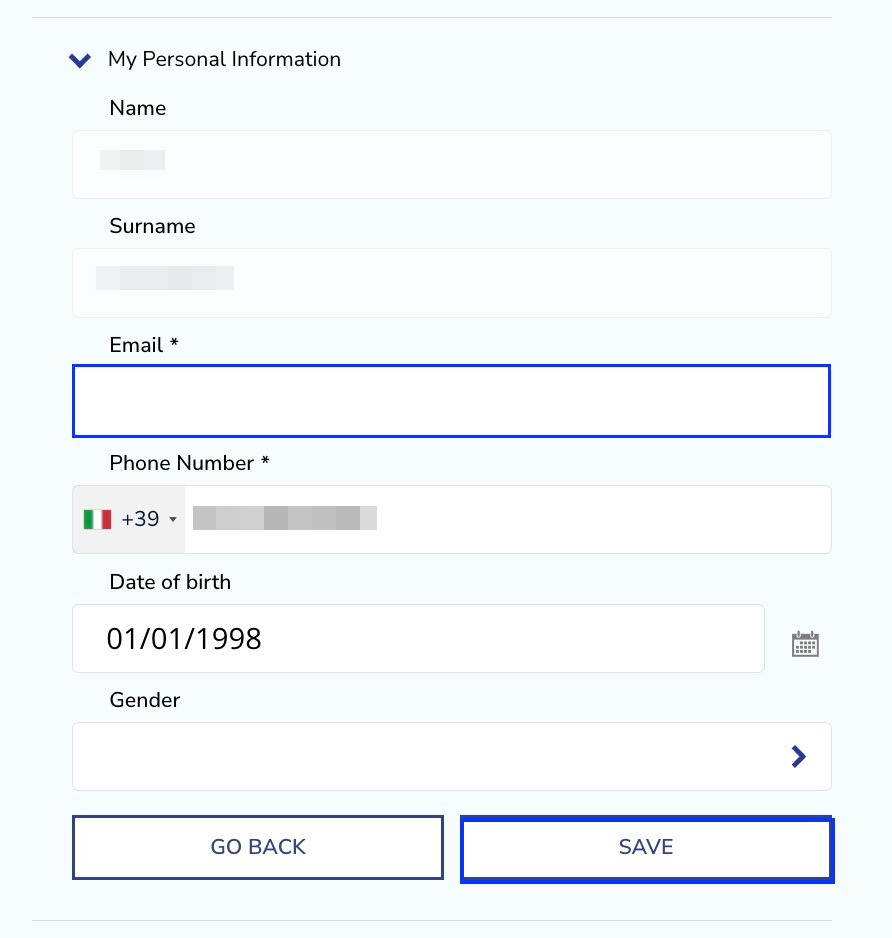
You can change your e-mail address here, when you are done click on the -save button.
When you save your new e-mail address you will get a confirmation at the top of the website.

Was this article helpful?
That’s Great!
Thank you for your feedback
Sorry! We couldn't be helpful
Thank you for your feedback
Feedback sent
We appreciate your effort and will try to fix the article