If your payment method is manual (e.g. iDEAL, Bancontact, BLIK, Twint etc) and you haven’t received your payment link, check firstly your SPAM folder in your inbox. If it is not there, you can find your payment link on your account.
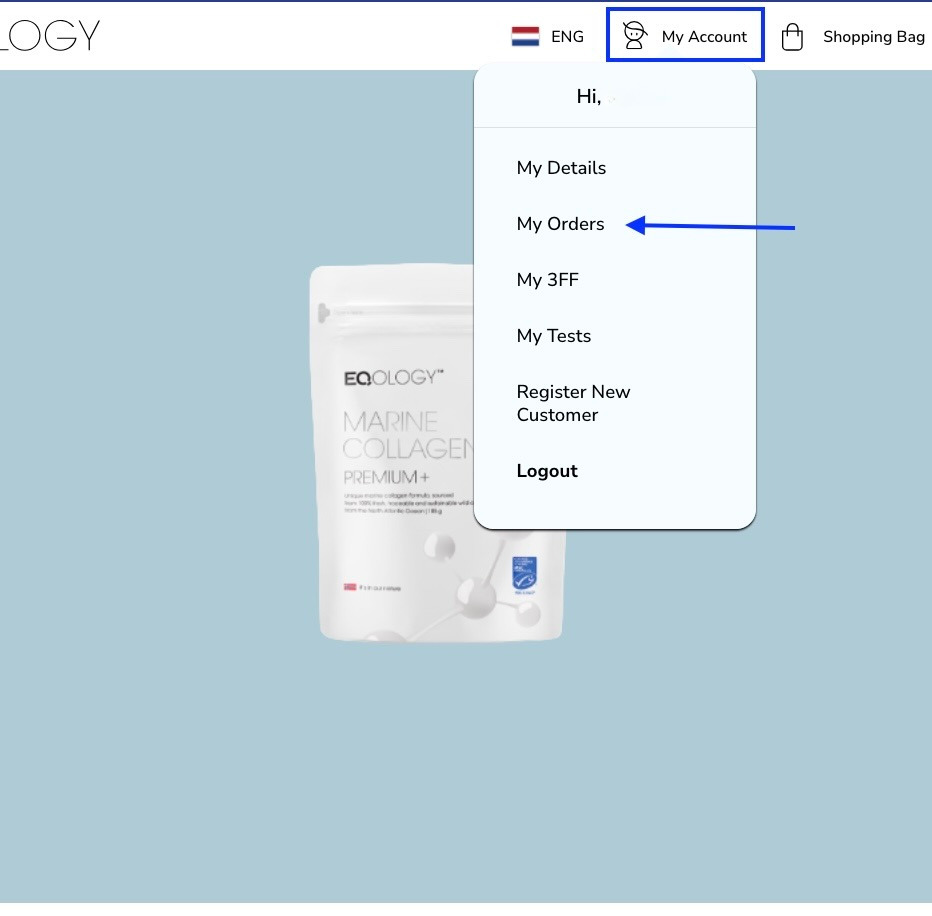
Just click on -my account and then -my orders in the top right corner.
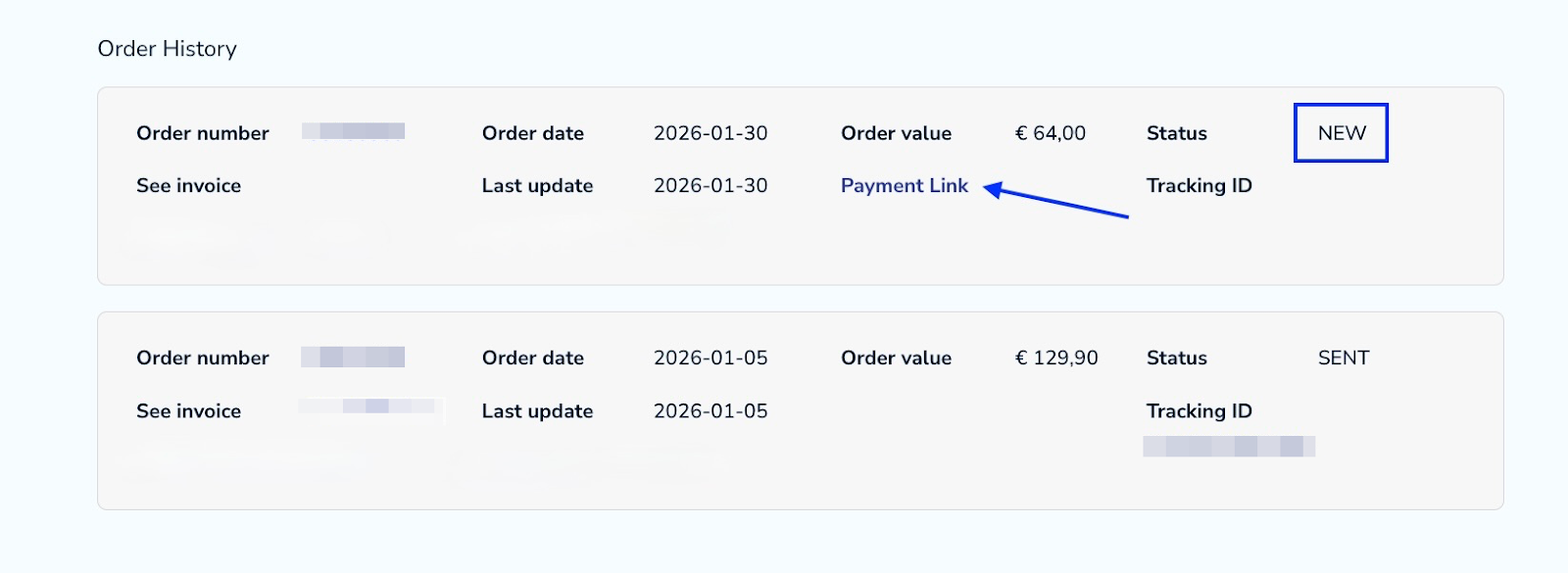
Scroll down to your order history and find your latest order. It is the order with the status NEW which means that it hasn’t been paid yet. Then click on the payment link.
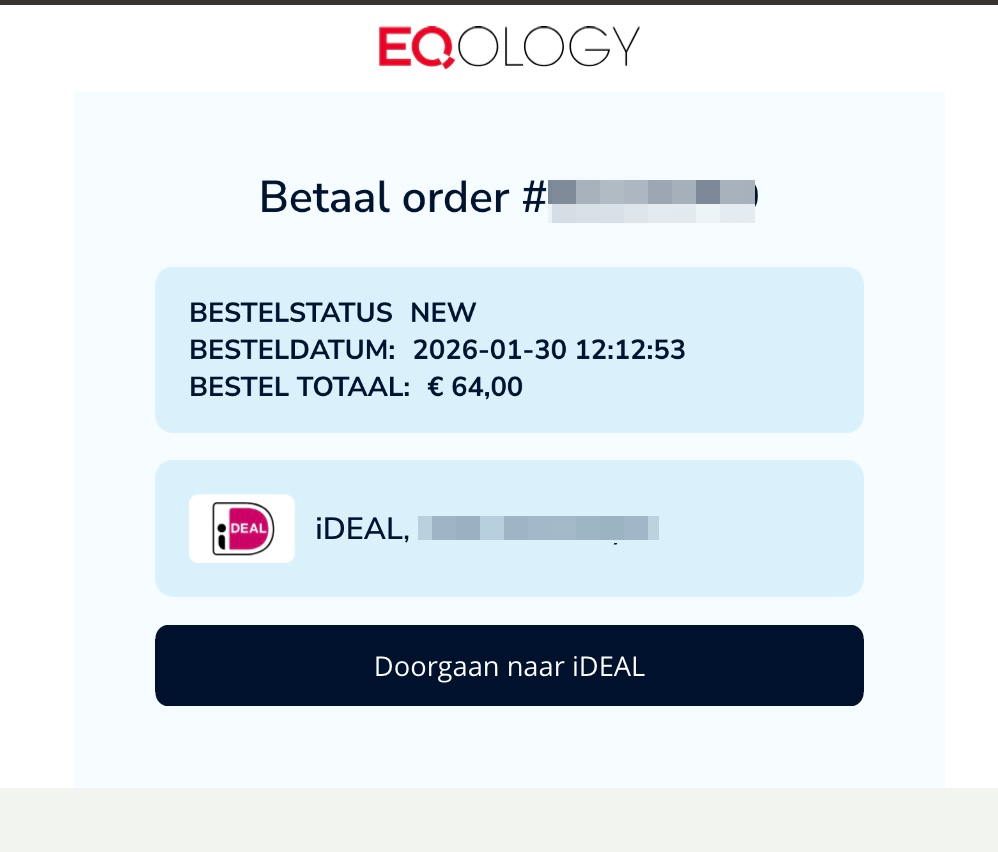
You will get redirected to the payment page where you can pay for your order.
Do not worry when you see that your autoorder is frozen, it will be automatically activated once you pay for your order.
Was this article helpful?
That’s Great!
Thank you for your feedback
Sorry! We couldn't be helpful
Thank you for your feedback
Feedback sent
We appreciate your effort and will try to fix the article