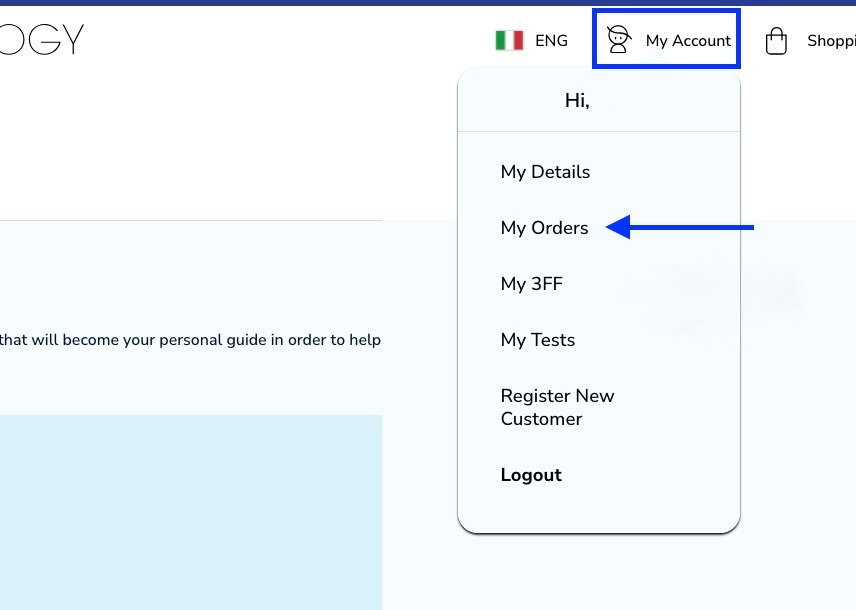
To look up and download your invoices you need to click on -my account and then -my orders.
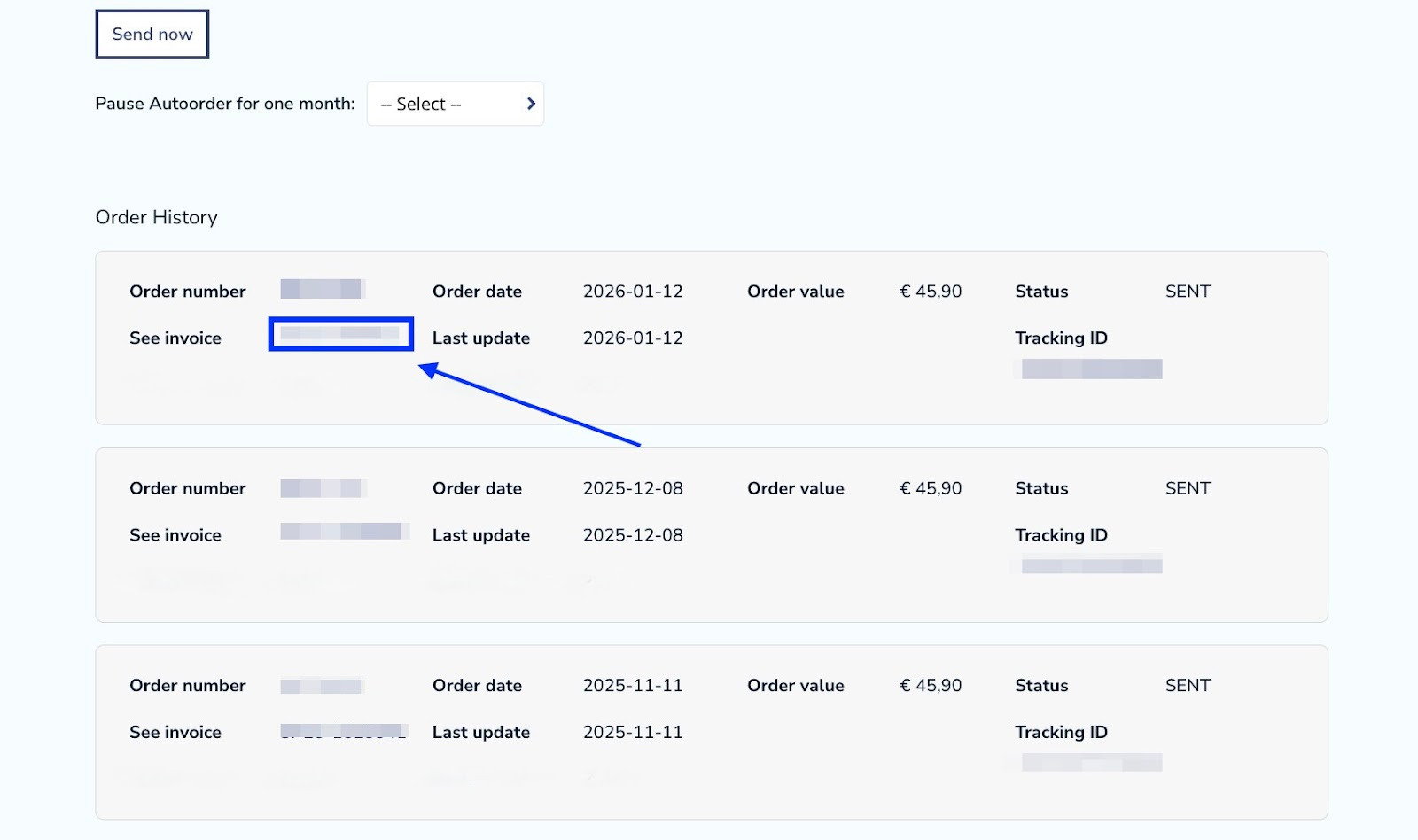
Once you are there you need to scroll down to your order history.
Find an order that you would like to get the invoice from and then click on -See invoice.
Take note: sometimes you need to wait a moment before the invoices are loaded up.
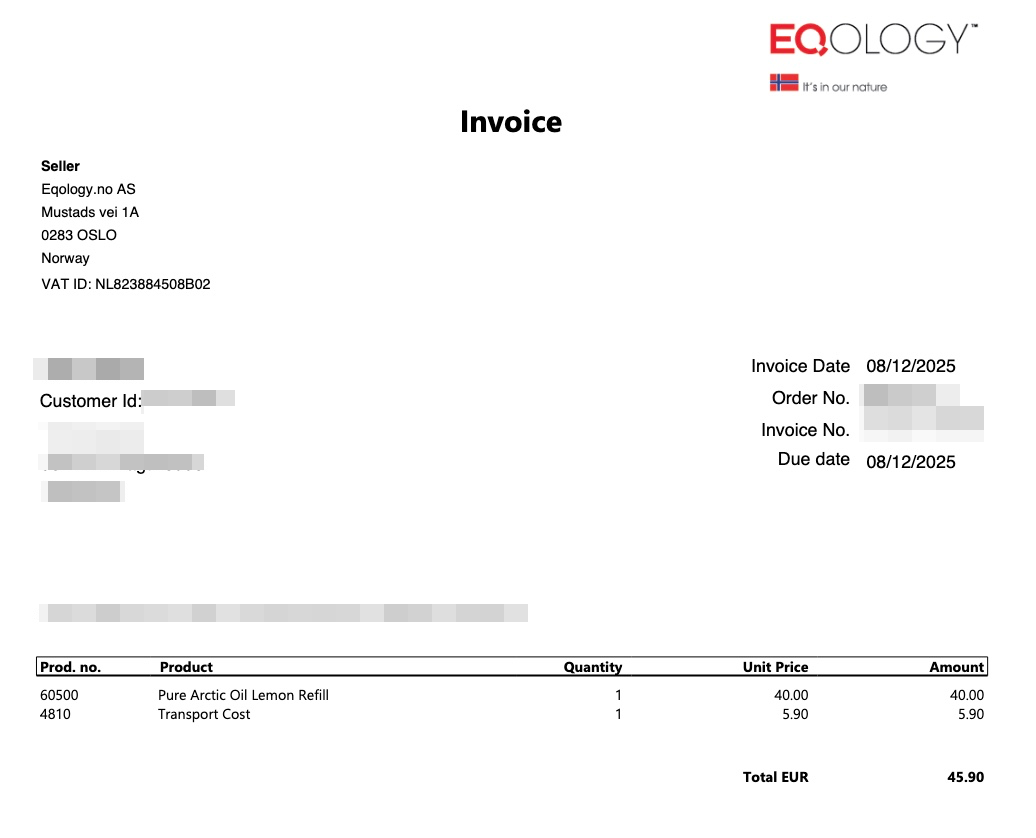
Your invoice will be automatically downloaded in PDF format on your browser. If you click on that, it looks like this:
Was this article helpful?
That’s Great!
Thank you for your feedback
Sorry! We couldn't be helpful
Thank you for your feedback
Feedback sent
We appreciate your effort and will try to fix the article