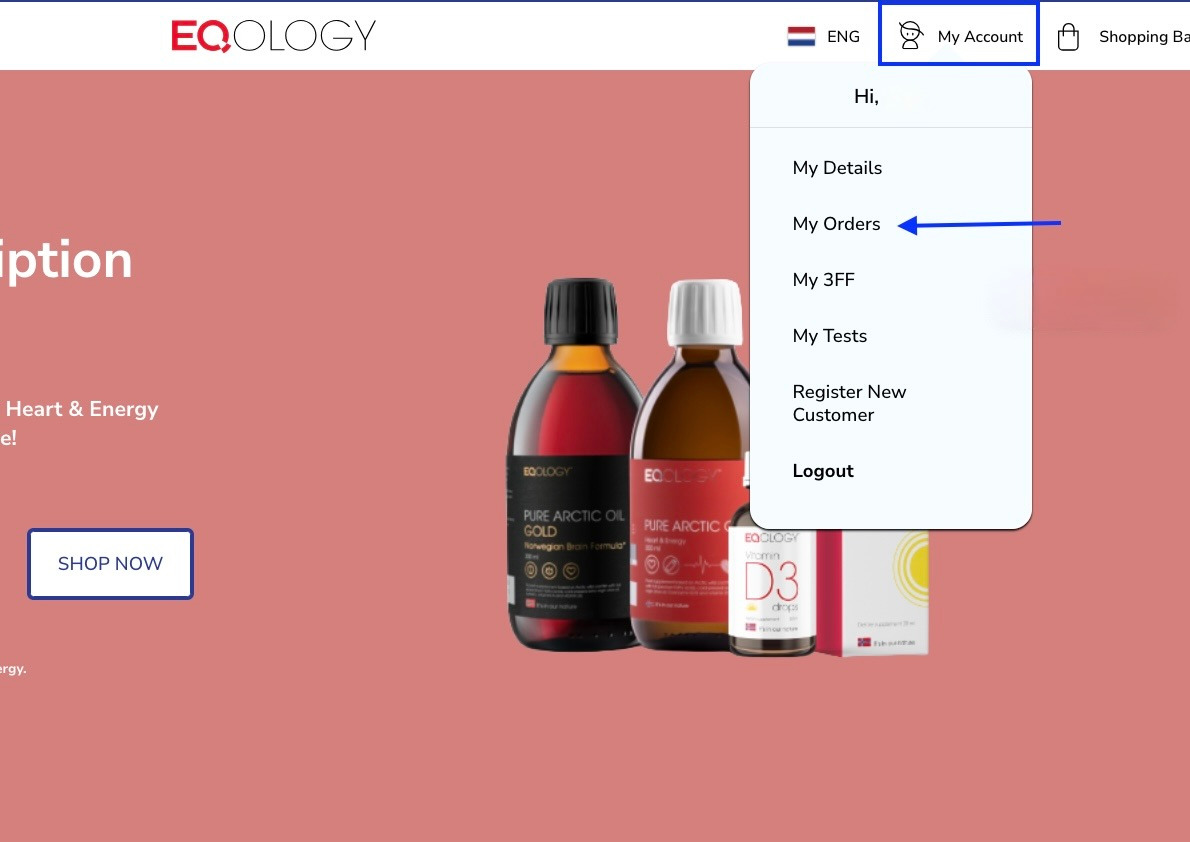
You can pause your subscription one month per year yourself on your account. Go to my account and then my orders.
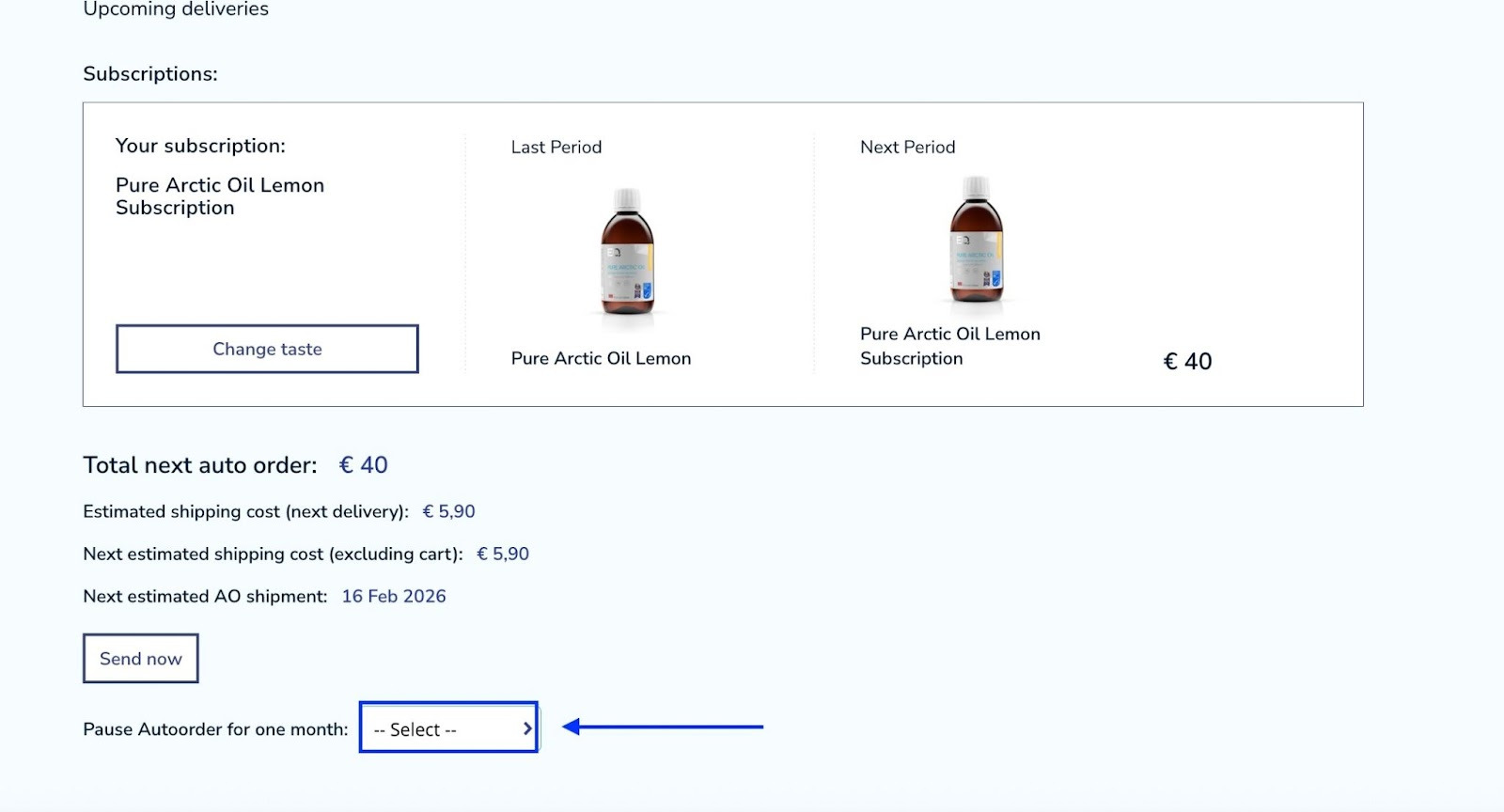
Under your subscription chart there is an option to choose a month when you would like to have your subscription paused. Click on -select and choose the desired month.
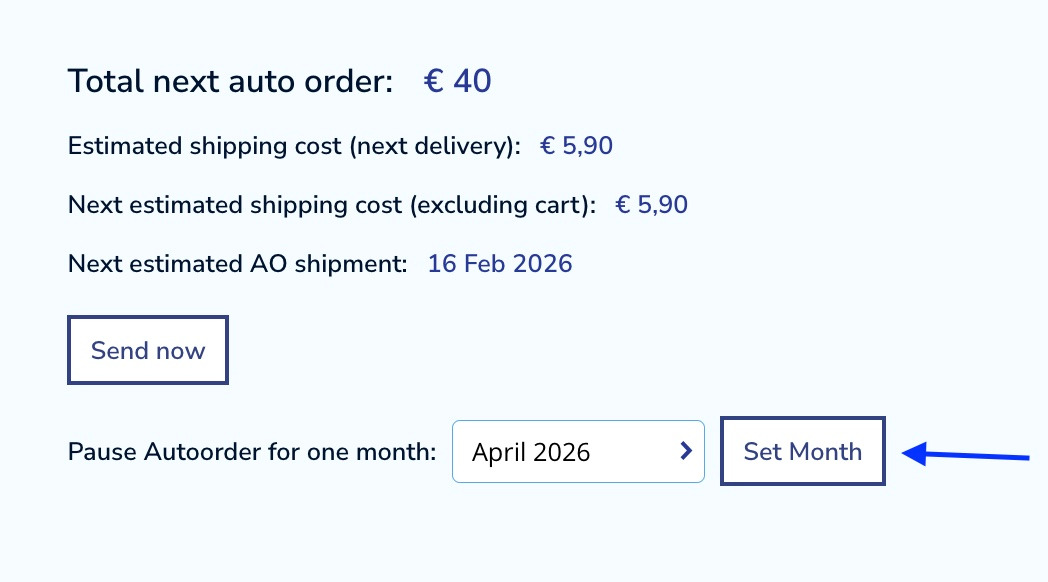
Then click on -set month.
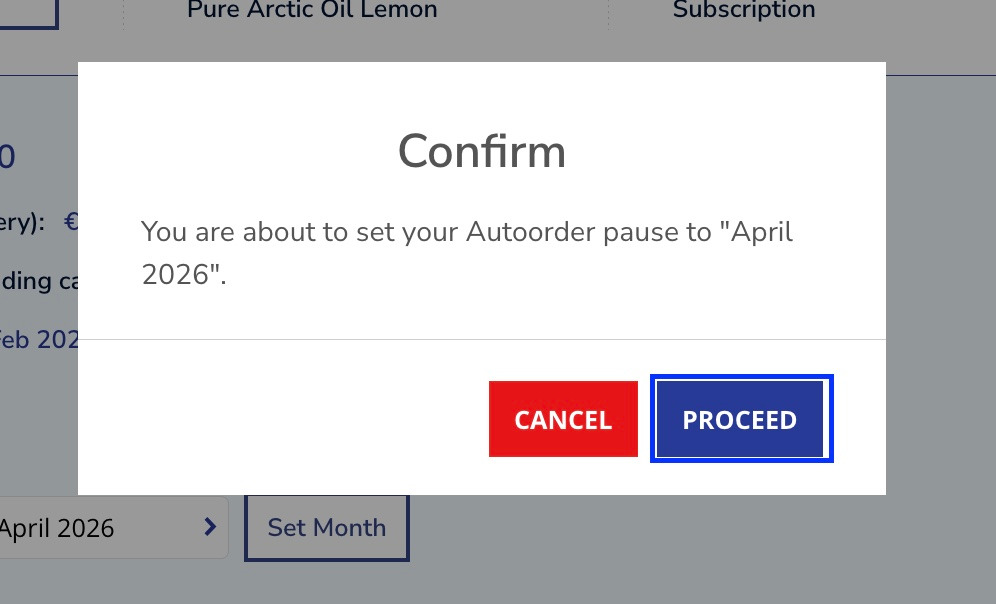
And confirm your choice.
As you can see the selected month has already been paused.
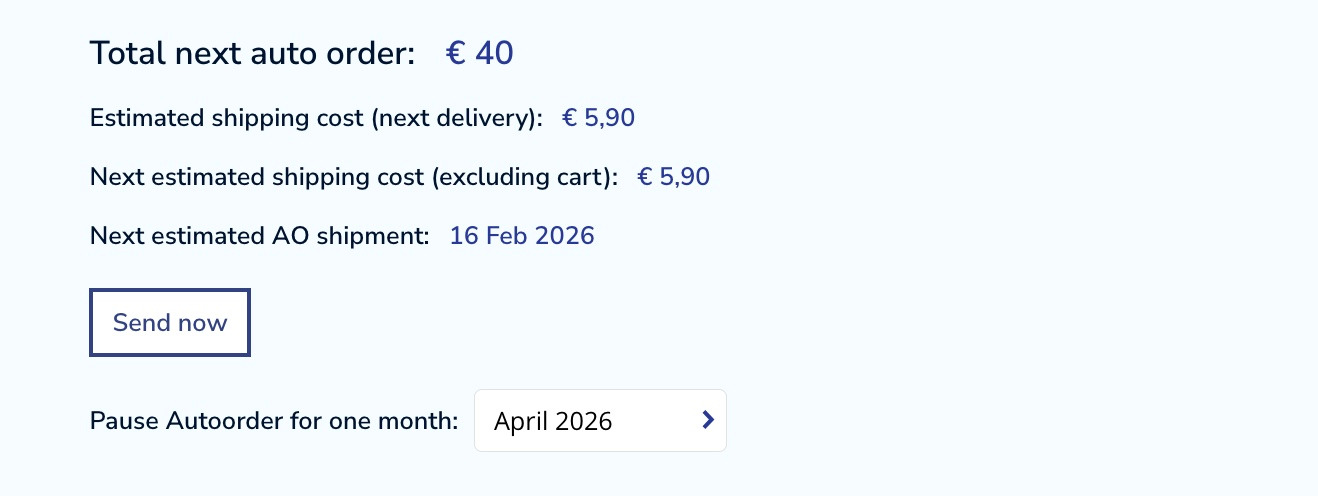
You know that for sure when the -set month button disappears.
If you need to set the pause for a longer period of time or you want to pause only a part of your subscription you can contact our support team who would be happy to help you out.
Was this article helpful?
That’s Great!
Thank you for your feedback
Sorry! We couldn't be helpful
Thank you for your feedback
Feedback sent
We appreciate your effort and will try to fix the article