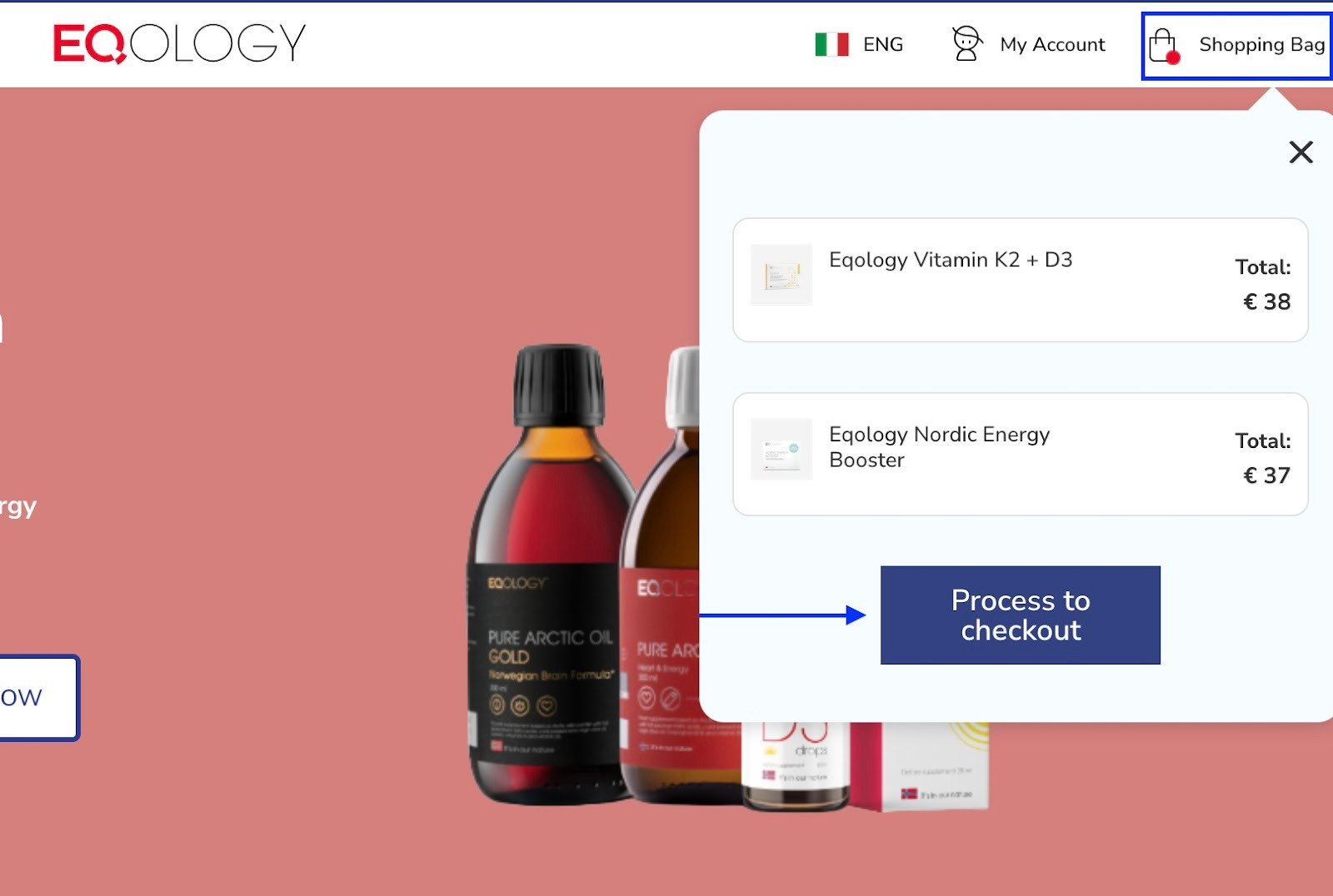
If you want to remove some items added to your basket click on the shopping bag in the top right corner and then process to checkout.
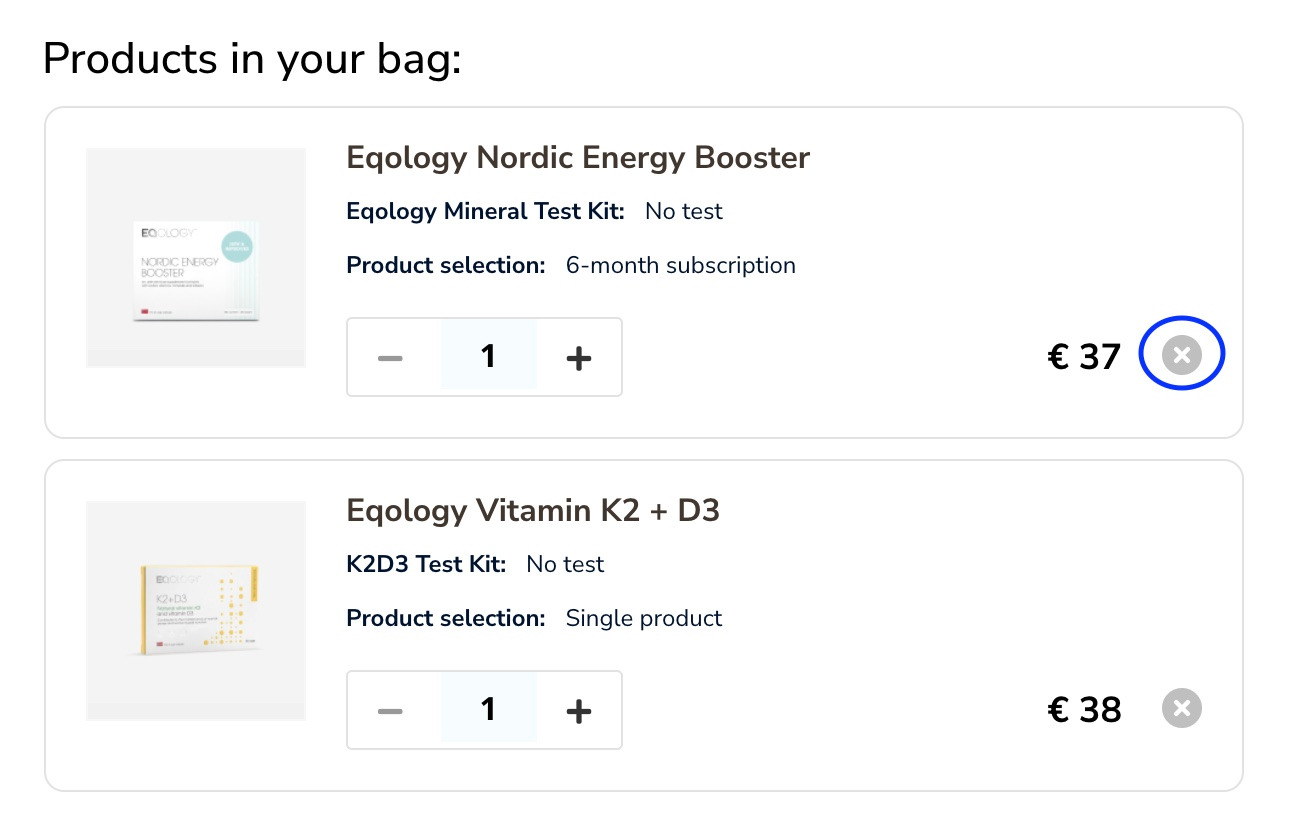
Here you just need to click on the cross icon to remove a product.
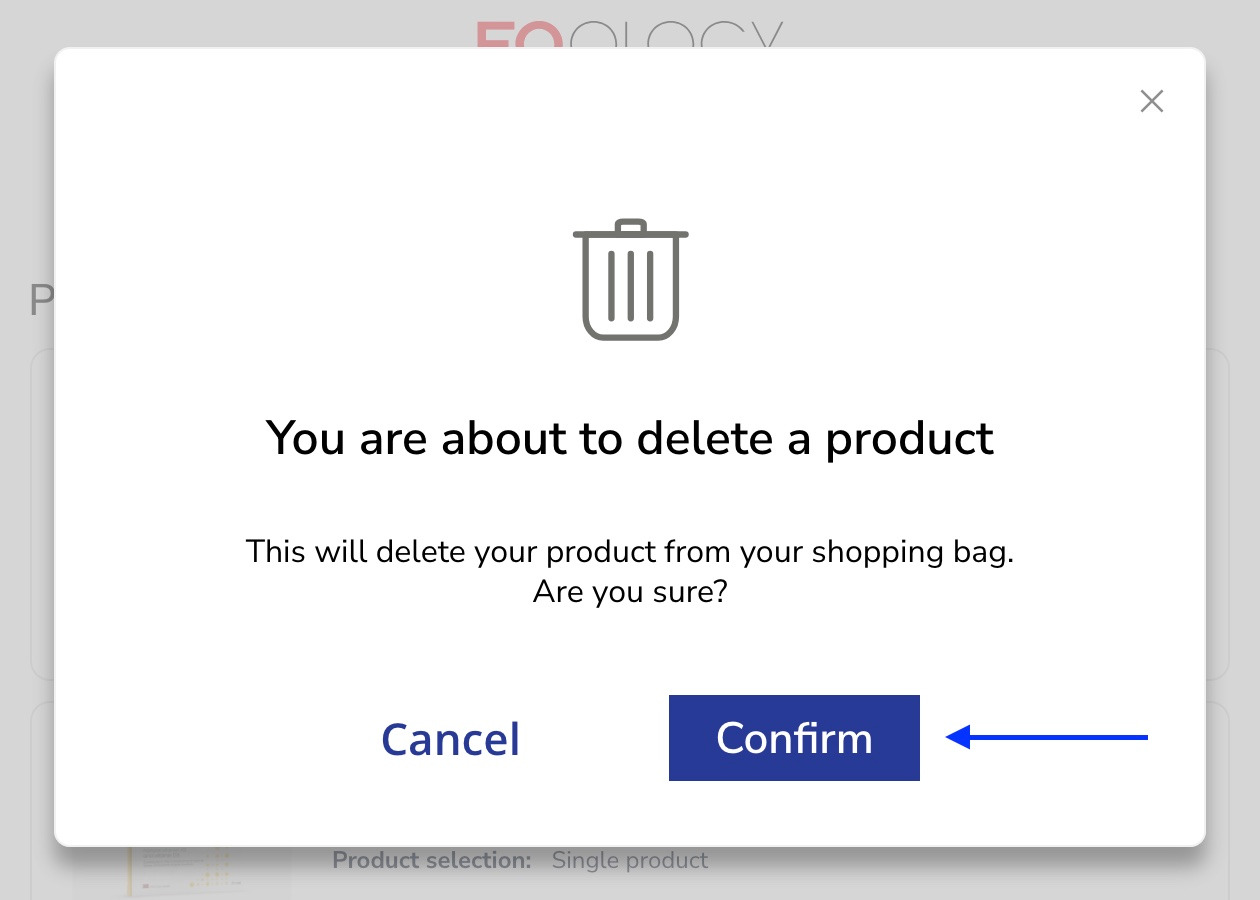
Click on -confirm to delete the product from your shopping bag.
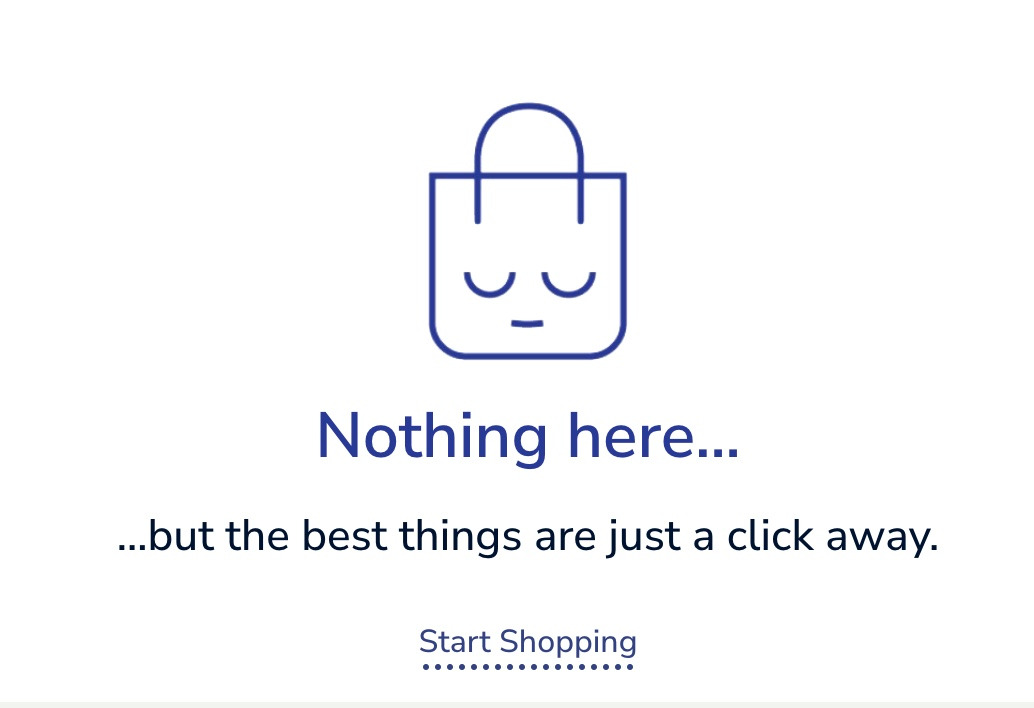
If you remove all the products your shopping bag will be empty and you can start adding other products again.
Even when you go further with the checkout process and you don’t see the cross icon anymore you can still just click on the shopping bag and then on -process to checkout.
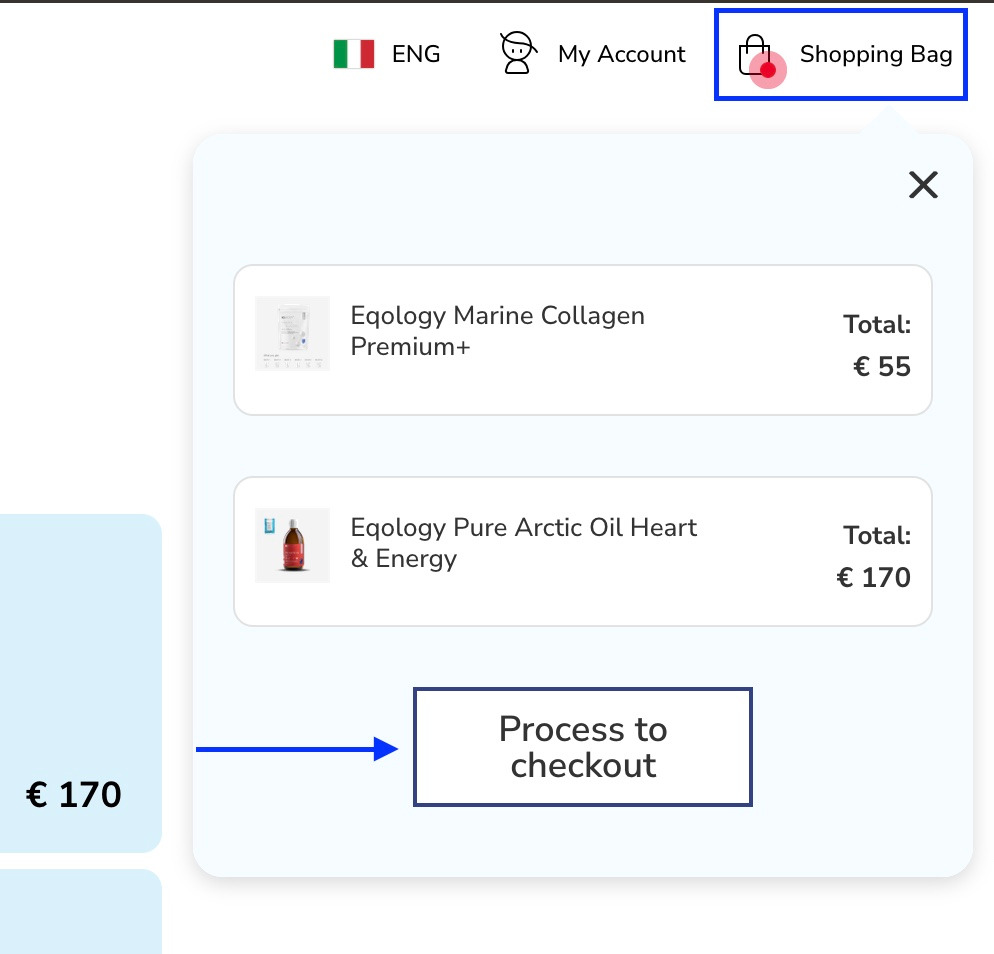
Or you can click on the shopping bag tab under the search magnifying glass icon.
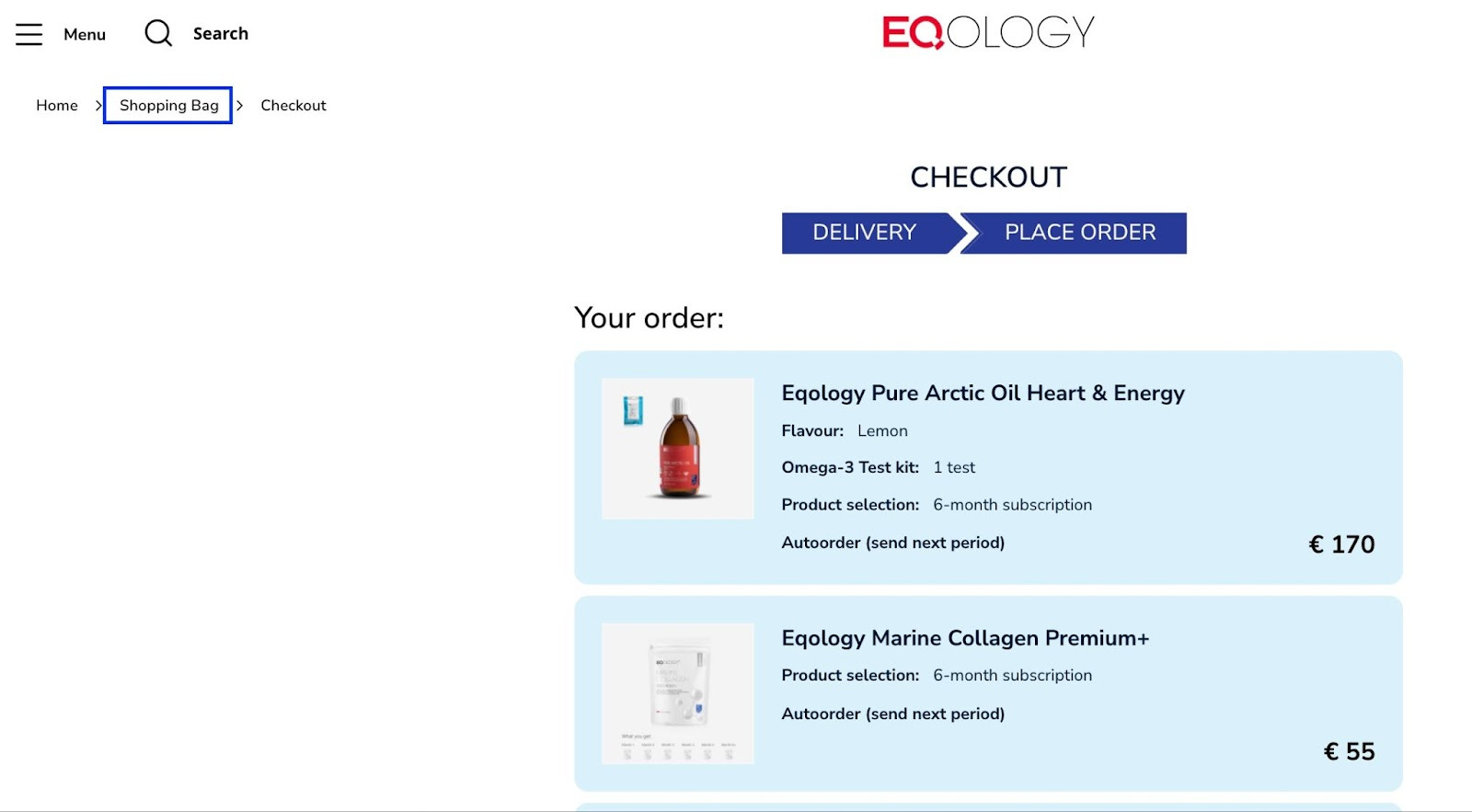
Then you get redirected to the content of your shopping bag where you can remove added products.
Was this article helpful?
That’s Great!
Thank you for your feedback
Sorry! We couldn't be helpful
Thank you for your feedback
Feedback sent
We appreciate your effort and will try to fix the article