If you need your products faster than your set delivery period or if you want them extra you can always process your auto-order directly once you are logged in.
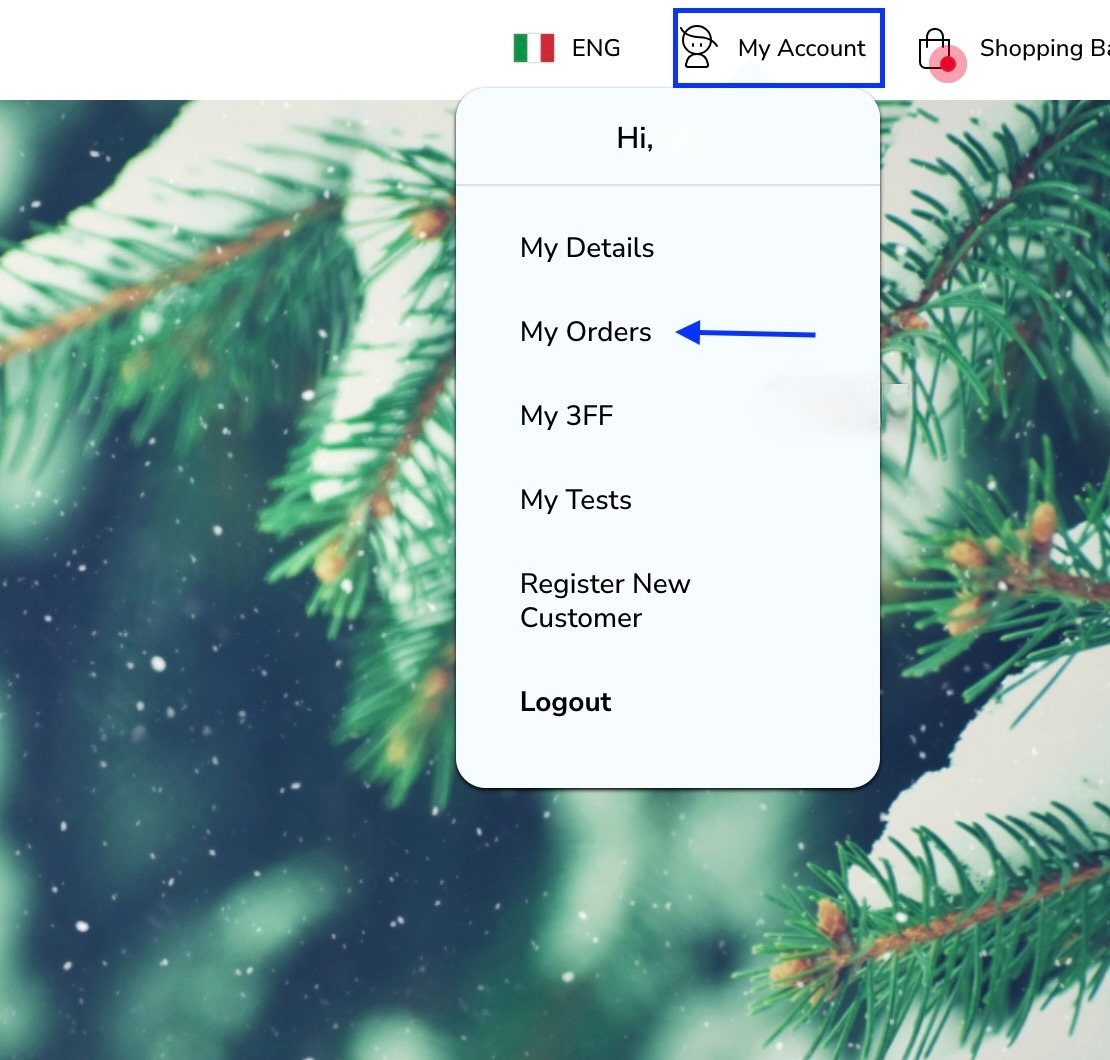
Just click on -my account and then -my orders.
Scroll down a bit and find under the subscription chart a send now button.
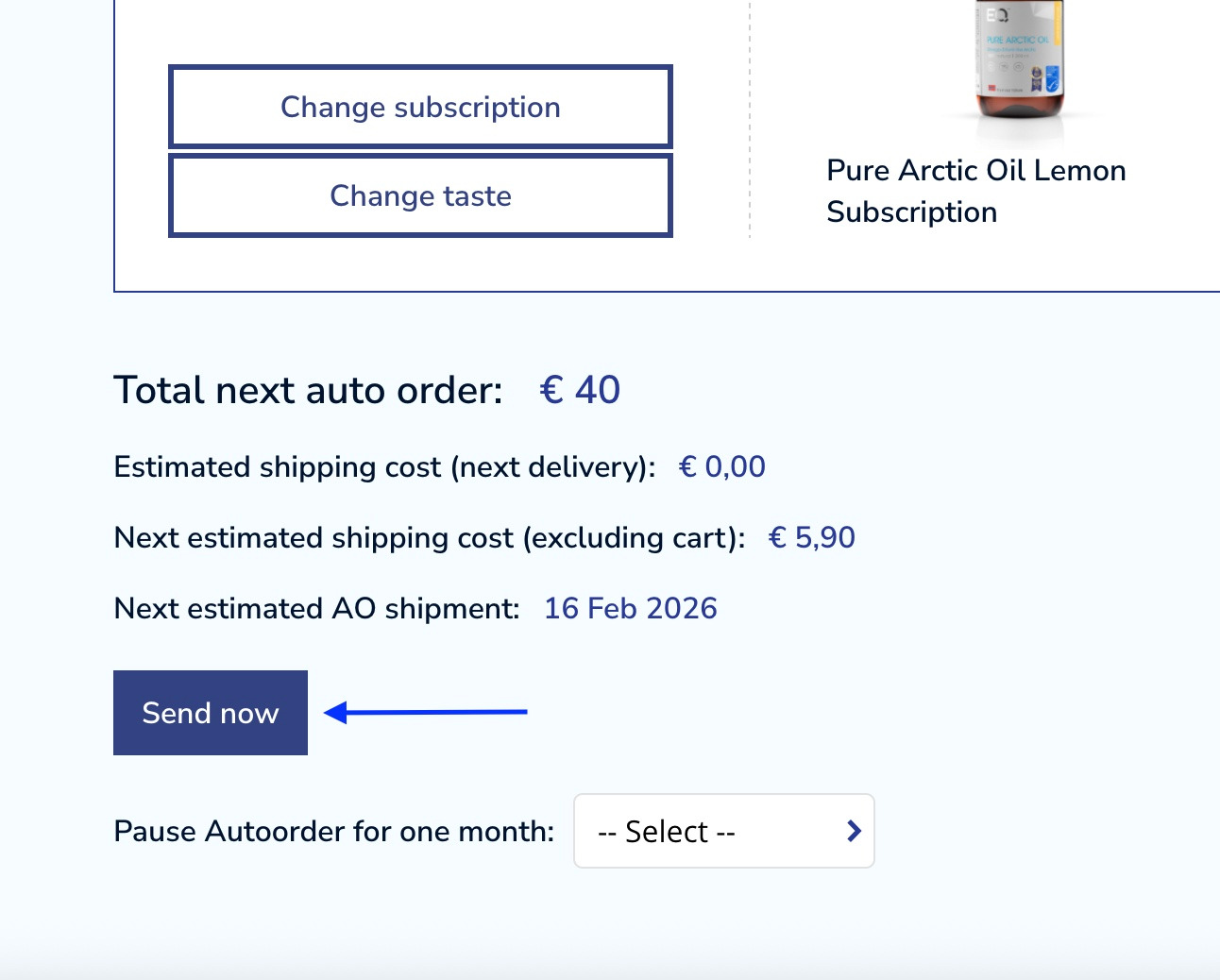
Click on send now and then confirm by clicking on the proceed button.
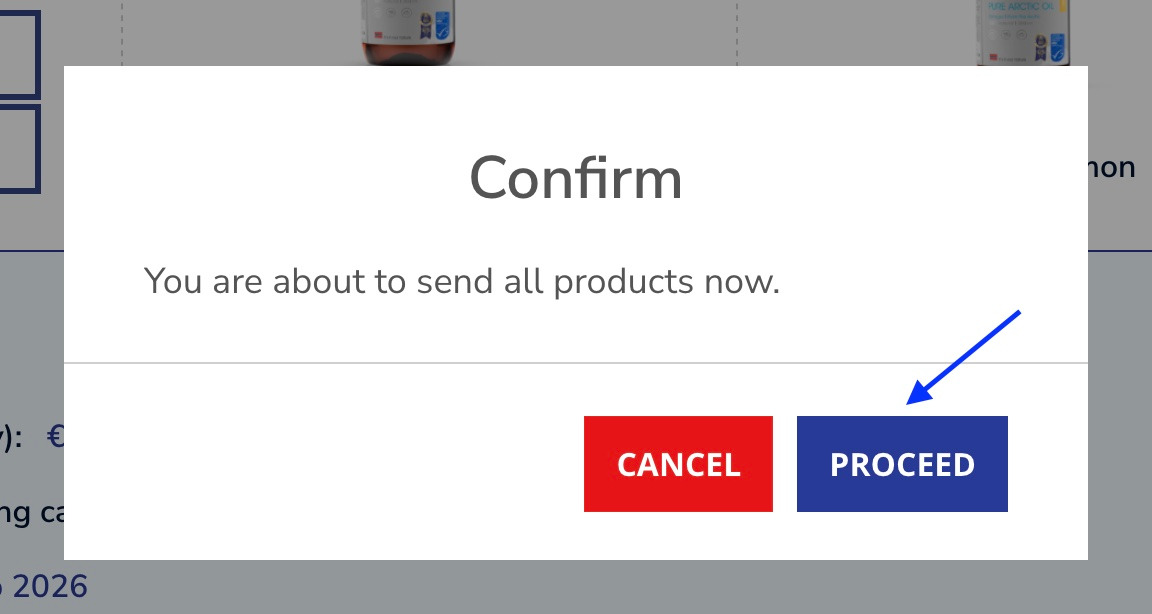
Take note, by clicking on -send now, you process the whole auto-order directly, it means that you will receive all the products added to your auto-order.
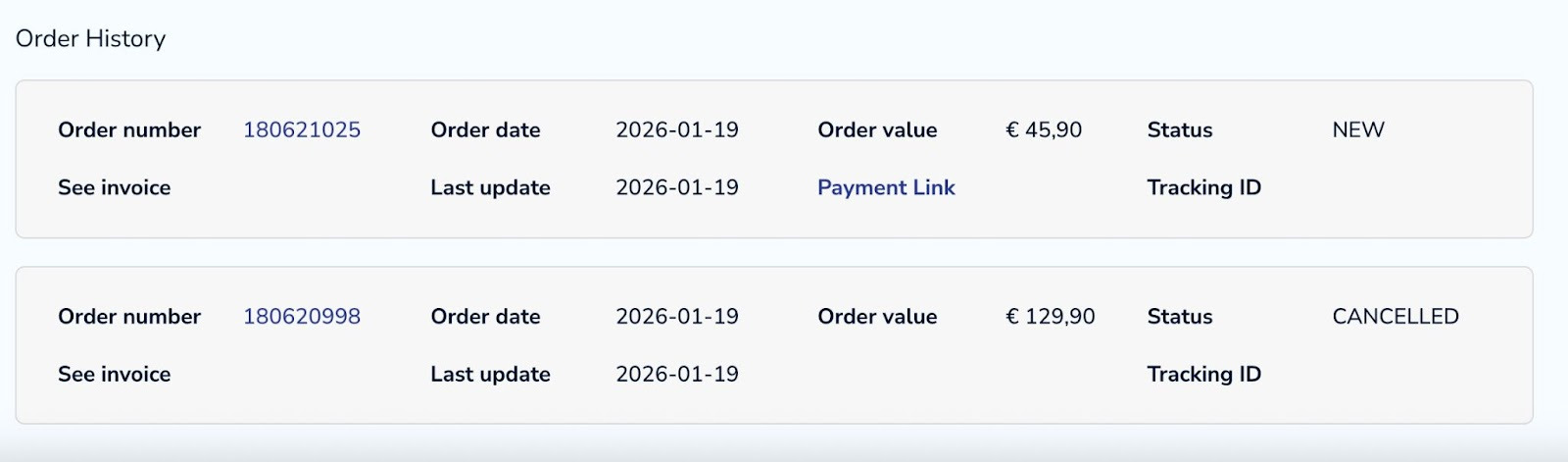
Depending on your payment method you will either get a payment link or a confirmation that the order has been paid and will be sent out shortly. You can always find your orders in your order history section just beneath.
Was this article helpful?
That’s Great!
Thank you for your feedback
Sorry! We couldn't be helpful
Thank you for your feedback
Feedback sent
We appreciate your effort and will try to fix the article