If you wish to order some extra product or products and have them sent with your following monthly delivery, you can add those items as single products to your auto-order additionally so that they will be sent only once. To do that remember to select the option -no test, only then the option of a single product will appear.
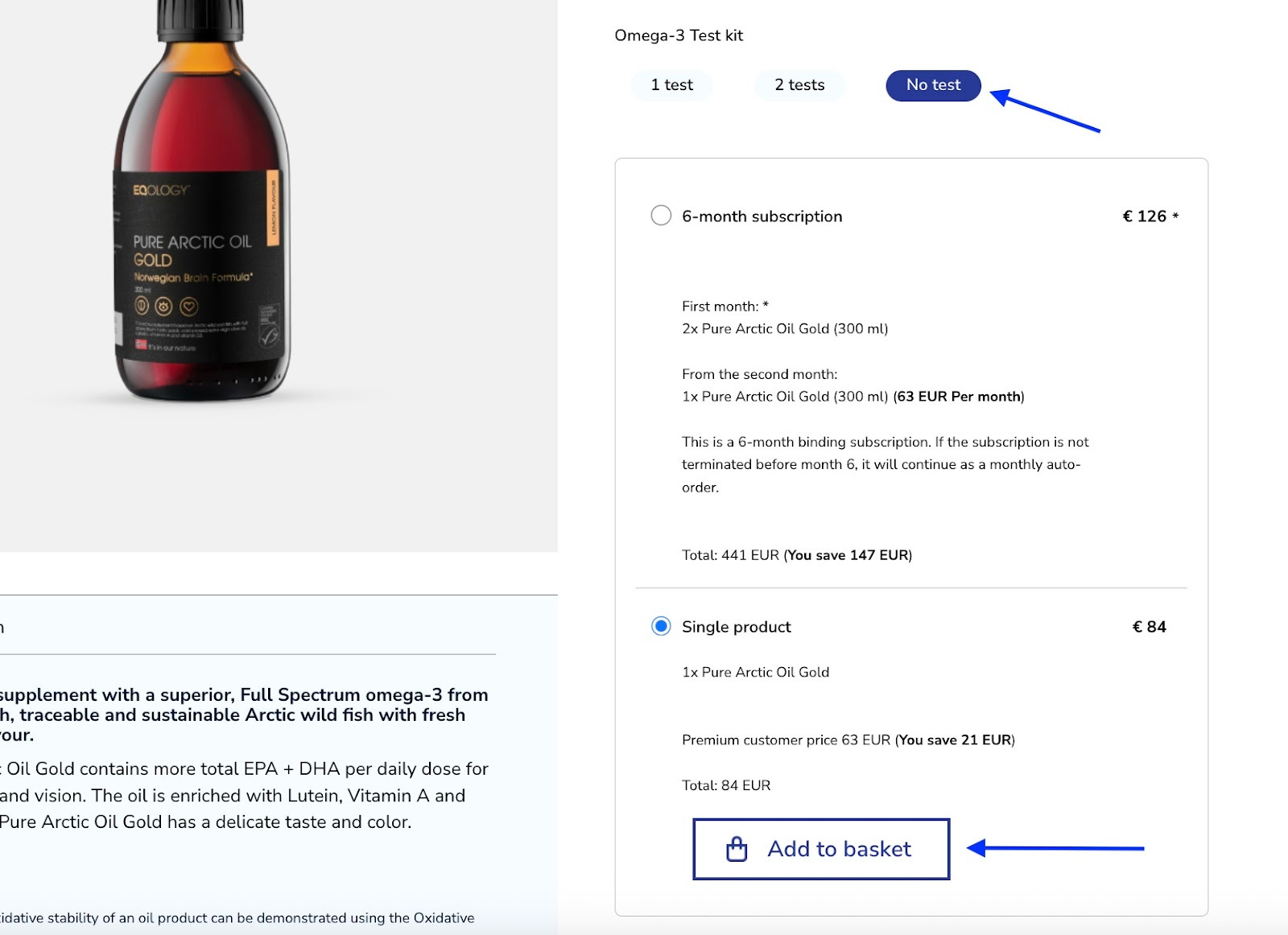
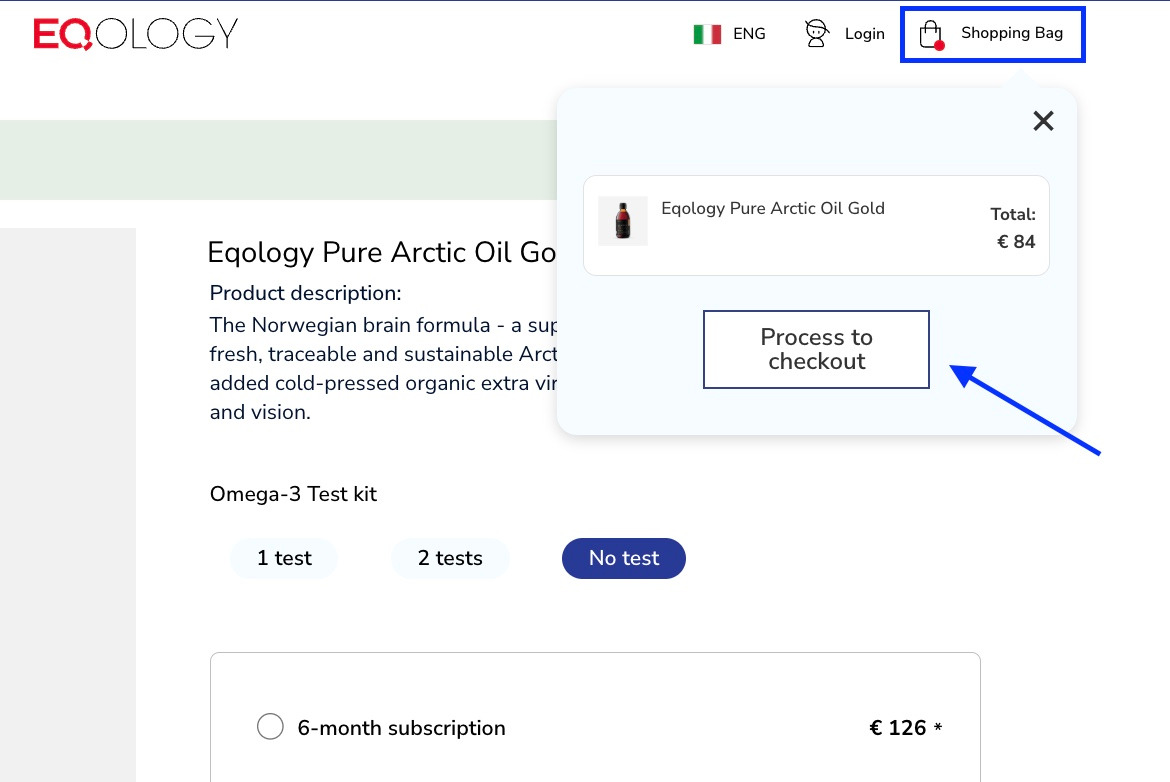
Add it to your basket and then click on the shopping bag on the top right corner and then -process to checkout.
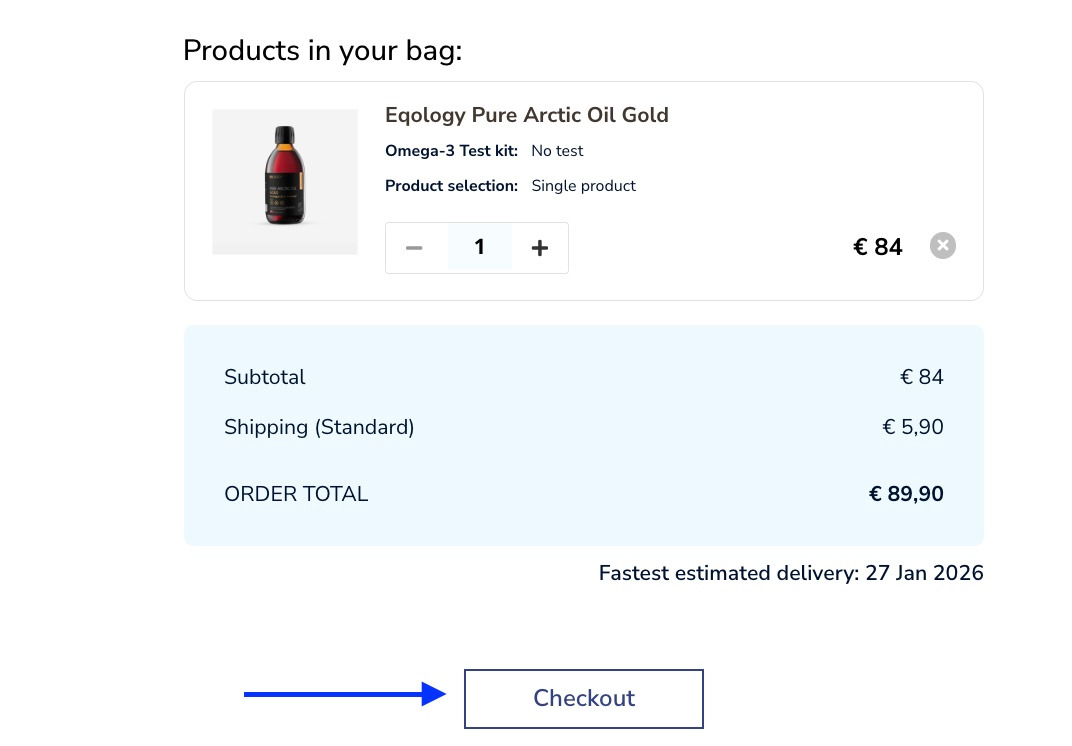
Here you can set the amount of the product you wish to order and then just click on the checkout button.
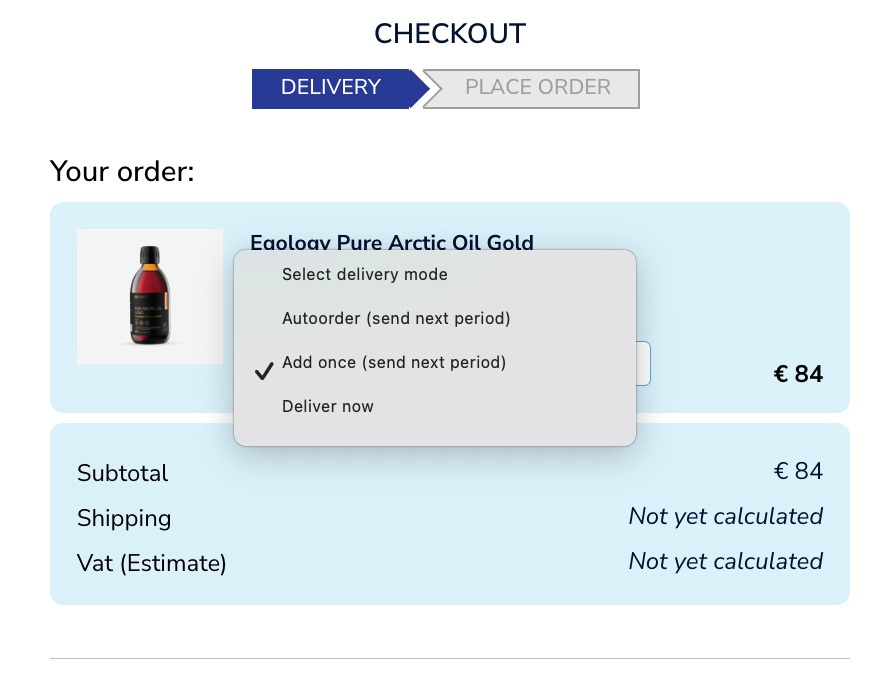
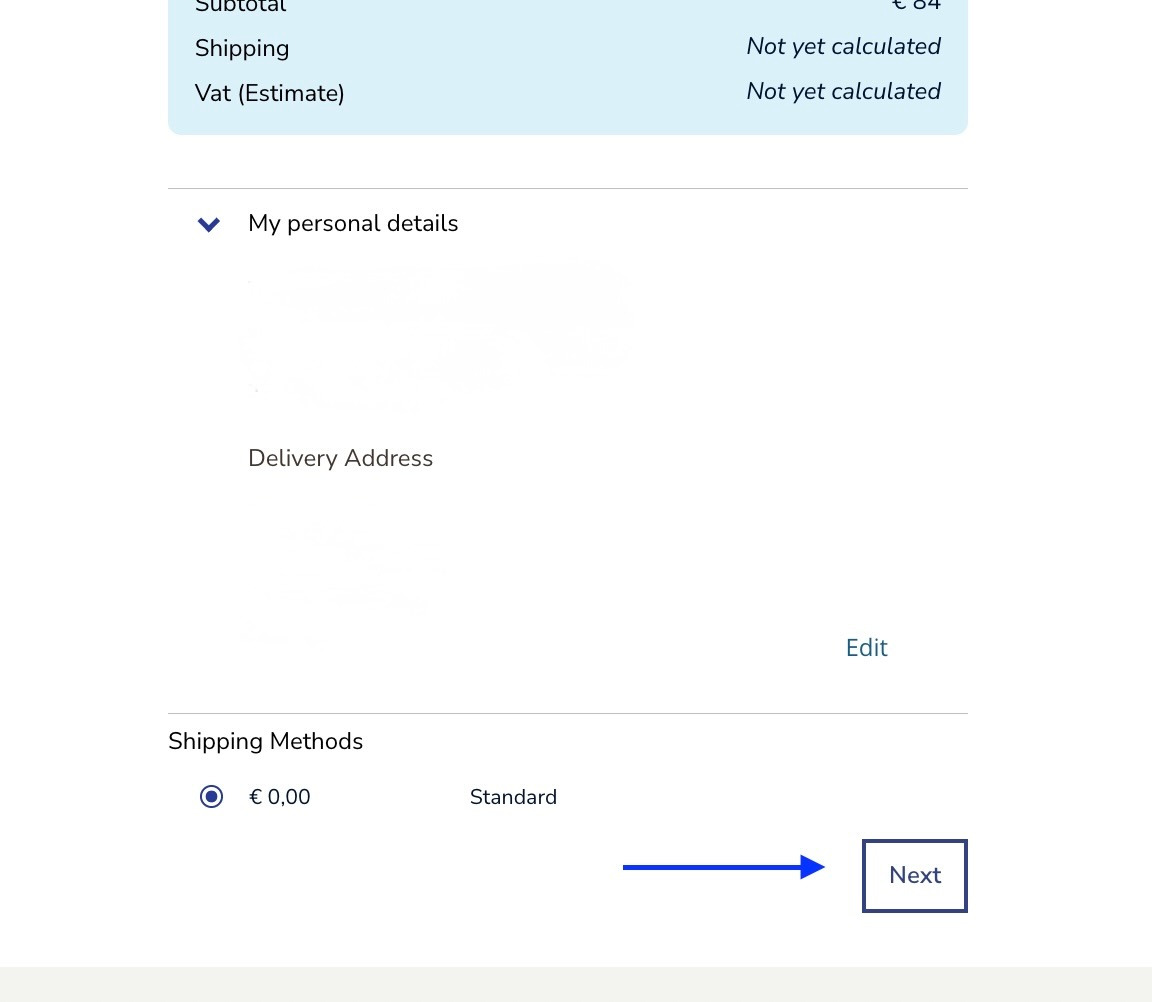
Now you can select a delivery method, if you want to have it delivered only one time with your next monthly shipment choose the option -add once.
Then click on the -next button at the bottom of the page.
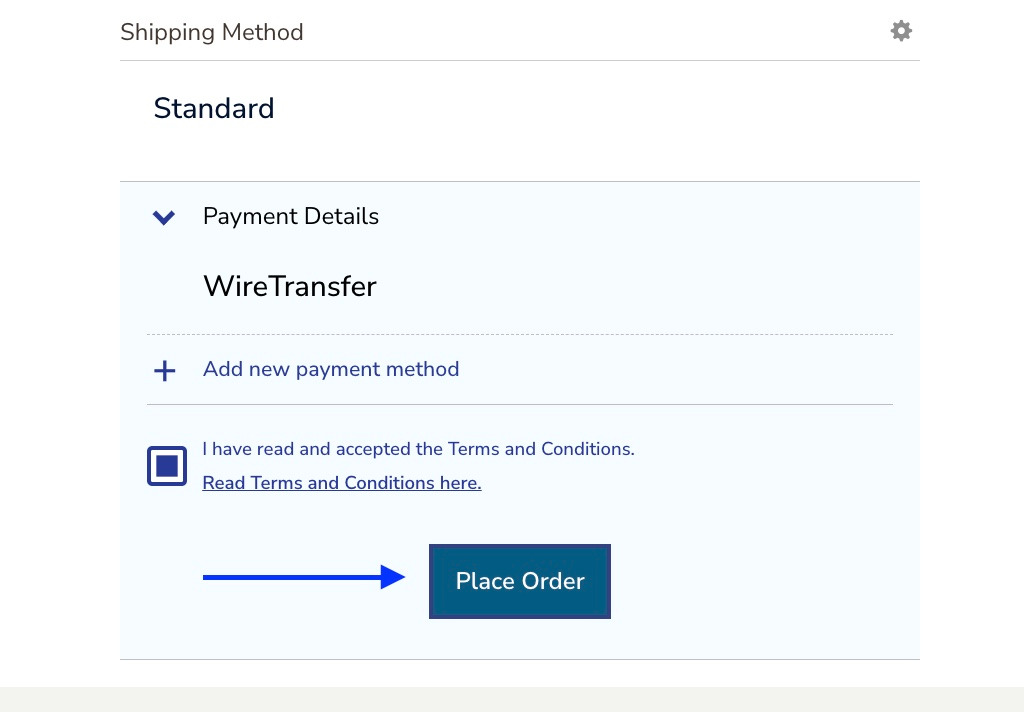
To confirm and finalise the order click on the place order button.
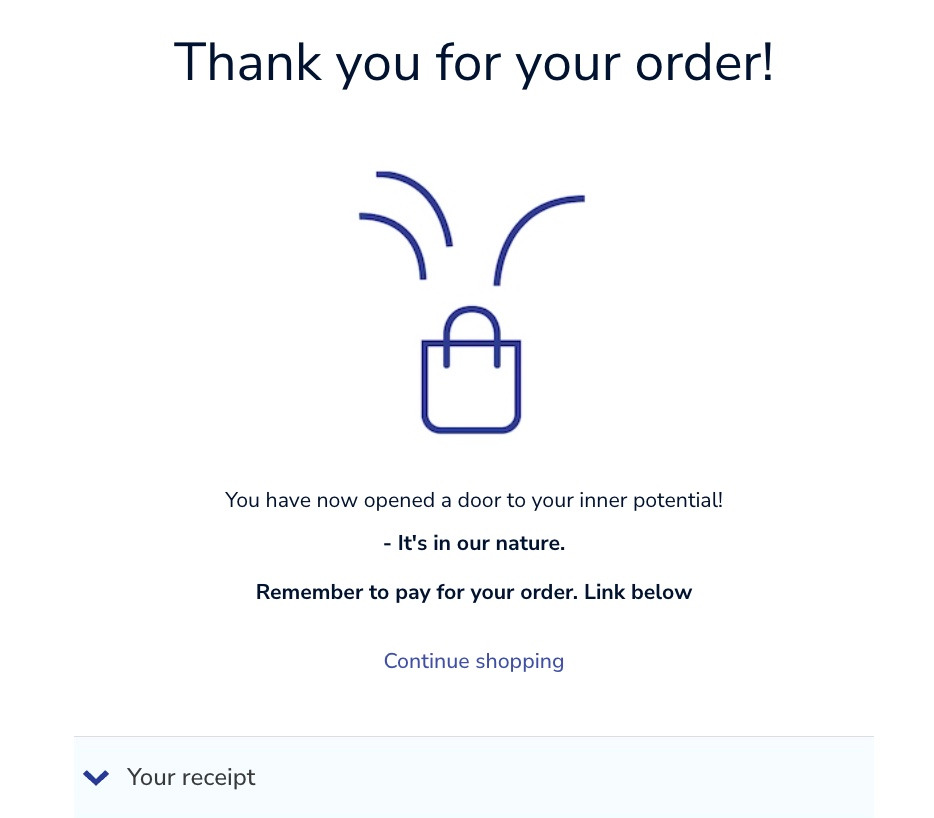
Then you will get the confirmation.
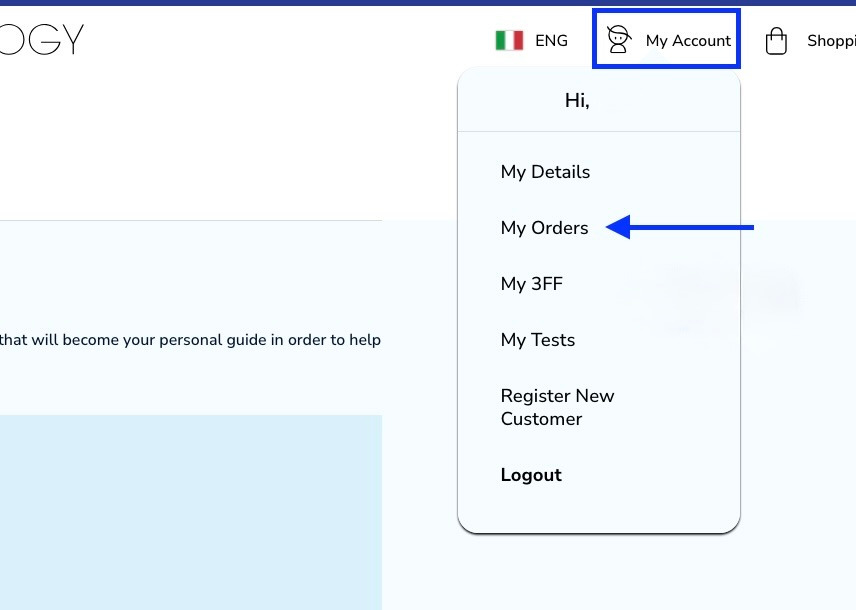
You can also look it up in your order section. Just go to -my account and then -my orders.
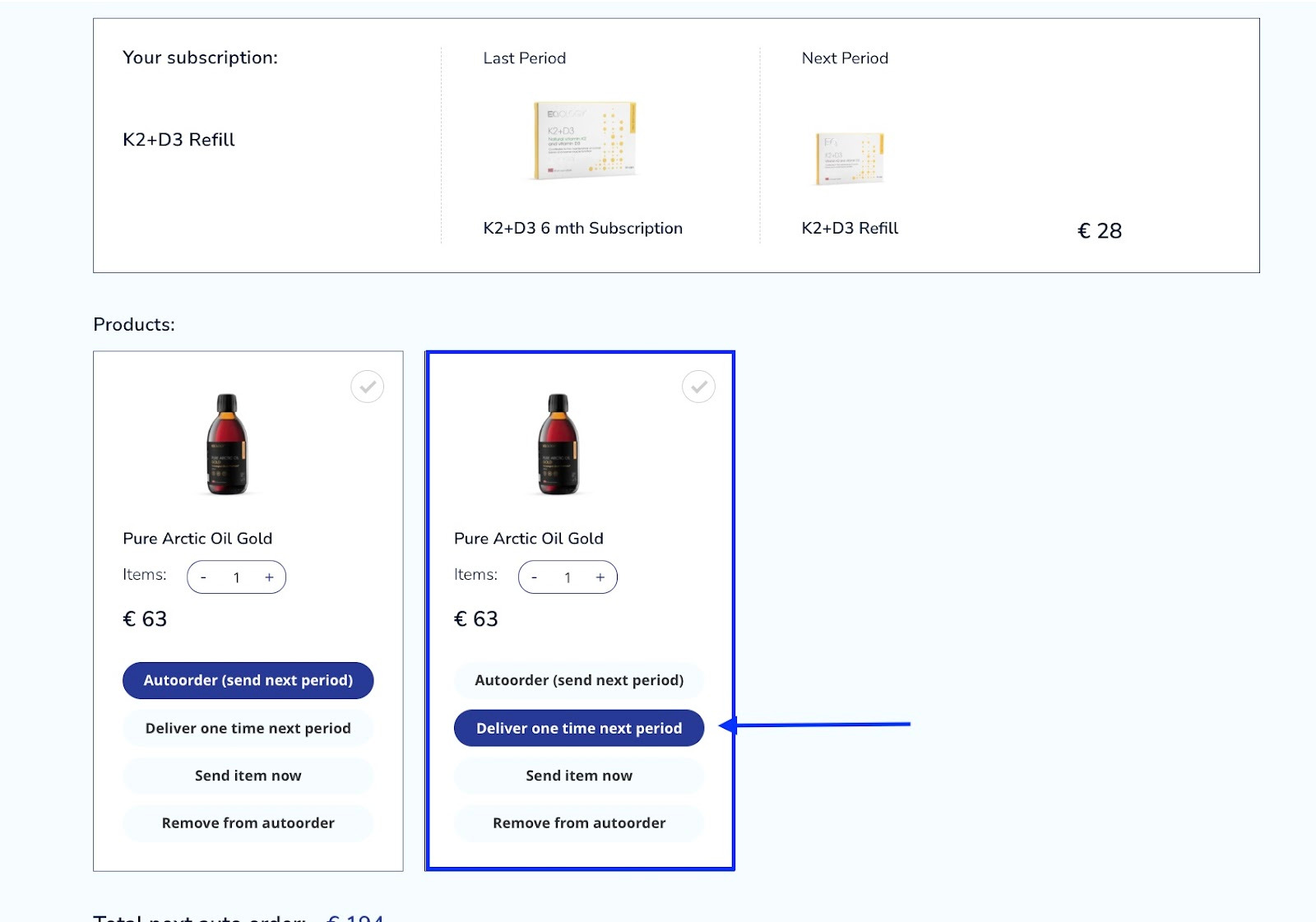
Here you can find the content of your monthly order. As you can see under the subscription tab, there is a single product Pure Arctic Oil Gold that will be sent in the next delivery.
Was this article helpful?
That’s Great!
Thank you for your feedback
Sorry! We couldn't be helpful
Thank you for your feedback
Feedback sent
We appreciate your effort and will try to fix the article