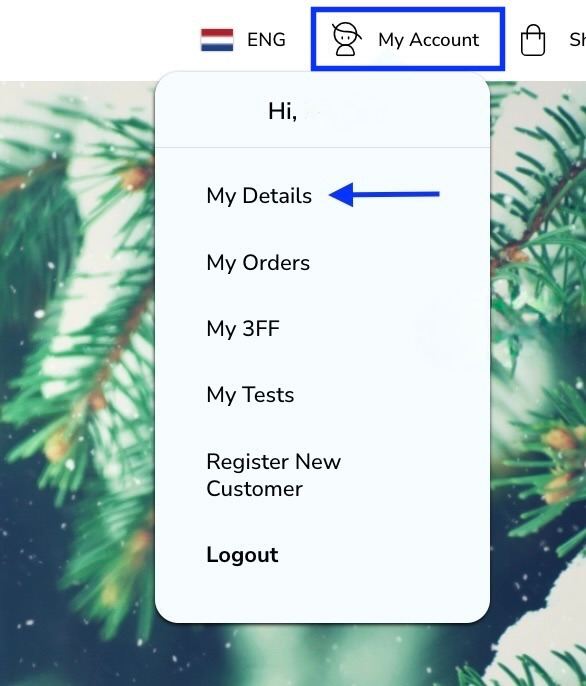
To change your delivery period you need to click on -my account and -my details.
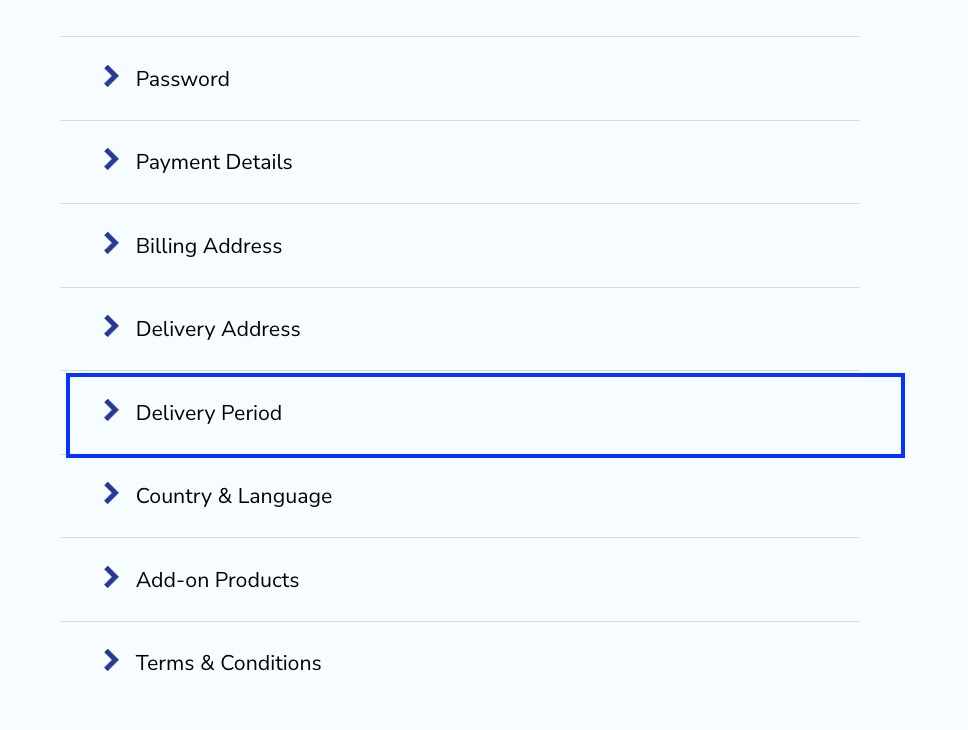
Then scroll down to the delivery period section and click on it.
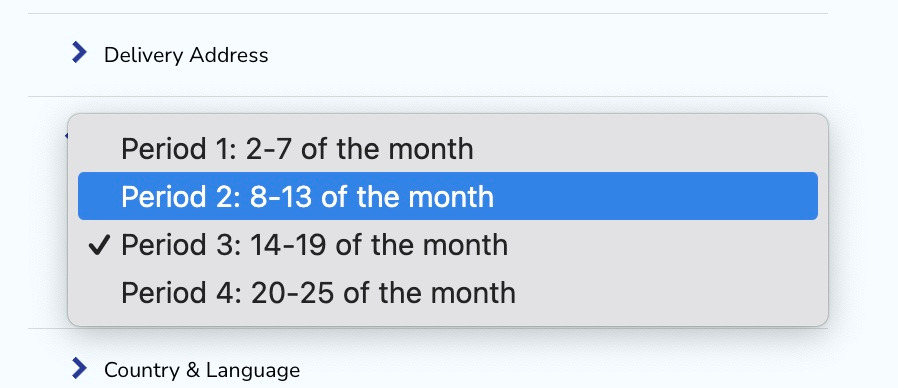
Here you can set up your default delivery period. Choose the one that suits you best.
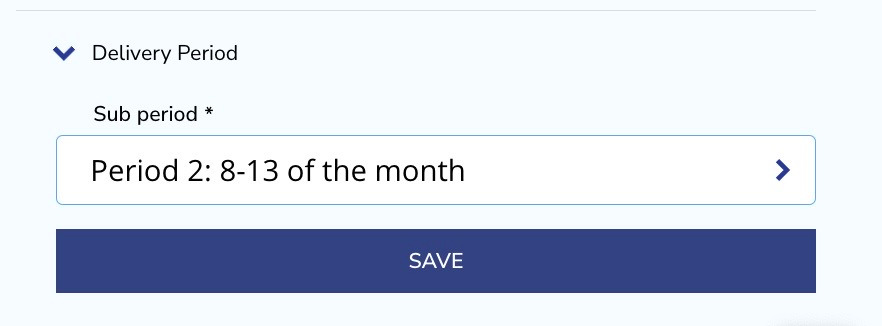
And confirm by clicking on the save button.
You will get a confirmation at the top of the page.

Take note: The delivery period means that your order will be placed between the given days of the month. In our example your order will be processed between the 8th and the 13th day of the month. It might be on the 9th or on the 11th day, there is no option to process it by default on an exact date. If you wish to receive your products directly see (How to process my autoorder directly?)
Was this article helpful?
That’s Great!
Thank you for your feedback
Sorry! We couldn't be helpful
Thank you for your feedback
Feedback sent
We appreciate your effort and will try to fix the article